1
Voice Mail
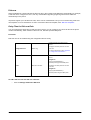
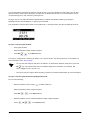
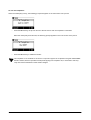
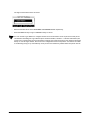
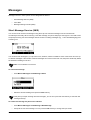
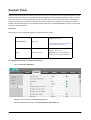
You can leave voice mails for someone else on the IP phone. You can also listen to the voice mails stored in a
centralized location. When receiving a new voice mail, the phone will play a warning tone. The LCD screen will
display a prompt message and flashing icon.
•
Voice mail is not available on all servers.
•
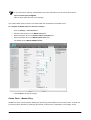
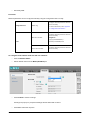
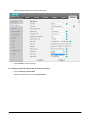
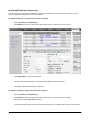
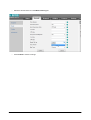
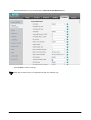
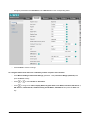
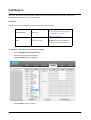
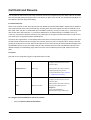
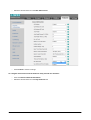
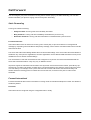
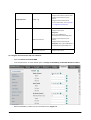
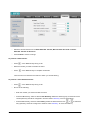
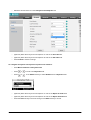
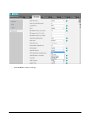
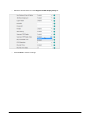
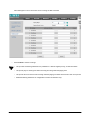
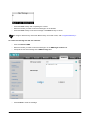
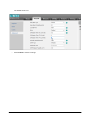
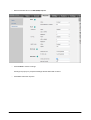
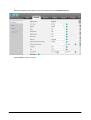
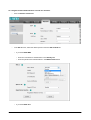
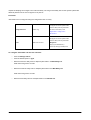
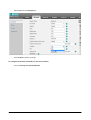
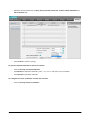
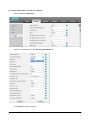
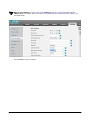
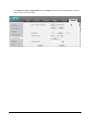
You can configure whether to play the warning tone or not when receiving a voice mail. To do that, on
the web interface, access Features -> General Information and select Enable for the Voice Mail
Tone parameter.
To leave a voice mail:
You can leave a voice mail for someone else when he/she is busy or inconvenient to answer the call. Follow the
voice prompt from the system server to leave a voice mail, and then hang up.
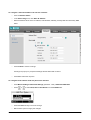
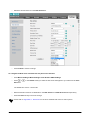
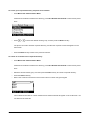
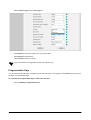
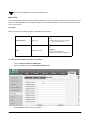
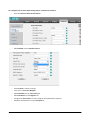
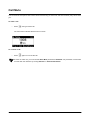
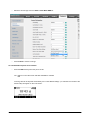
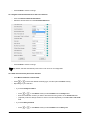
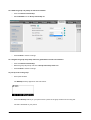
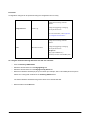
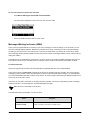
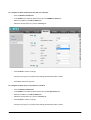
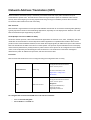
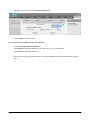
To configure voice mail access codes via phone user interface:
•
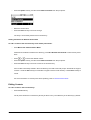
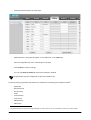
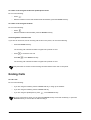
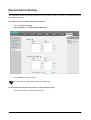
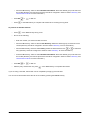
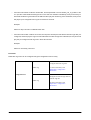
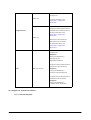
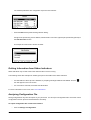
Press Menu->Messages->Voice Mail->Set Voice Mail.
•
Press the 123 soft key to select the proper input mode and then enter the voice mail access code.
•
Press the Save soft key to save the change or the Back soft key to cancel.
Voice mail access code must be predefined on the system server.
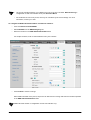
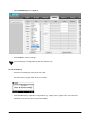
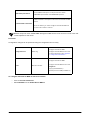
To listen to voice mails:
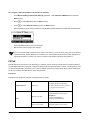
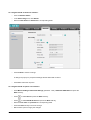
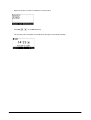
•
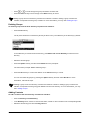
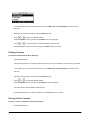
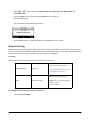
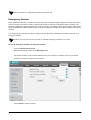
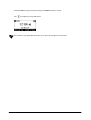
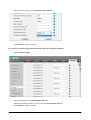
When the phone user interface prompts receiving new voice mails, press
or the Conn soft key to dial
out the voicemail access code.
•
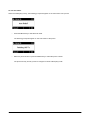
Follow the voice prompt to listen to voice mails.
Before listening to voice mails, make sure the voice mail access code has been configured.
Matrix SPARSH VP110 User Guide
219