1
358
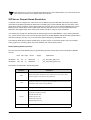
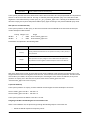
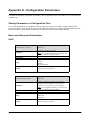
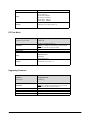
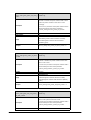
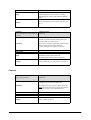
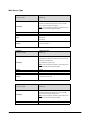
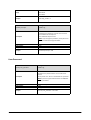
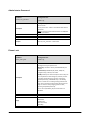
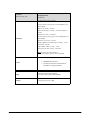
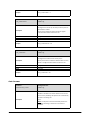
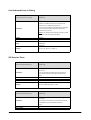
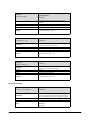
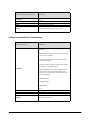
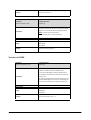
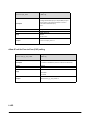
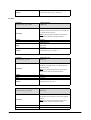
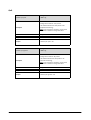
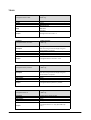
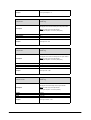
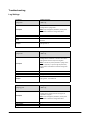
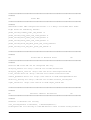
Parameter-
Configuration File
network.internet_port.mask
<MAC>.cfg
Description
Configures the subnet mask when the Internet port type is configured as Static IP Address and the IP address mode is configured as IPv4 or IPv4&IPv6.
Format
Default Value
Range
Note: If you change this parameter, the IP phone will reboot to make the change take effect.
Subnet Mask
Blank
Not Applicable
Example
network.internet_port.mask = 255.255.255.0
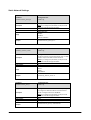
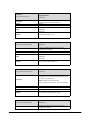
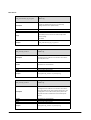
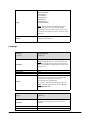
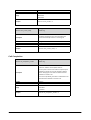
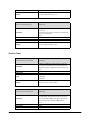
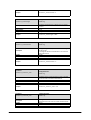
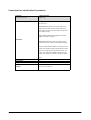
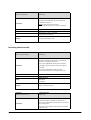
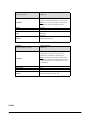
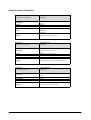
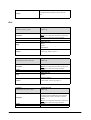
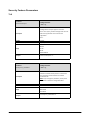
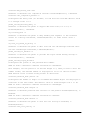
Parameter-
Configuration File
network.internet_port.gateway
<MAC>.cfg
Description
Configures the default gateway when the Internet port type is configured as Static IP Address and the IP address mode is configured as IPv4 or IPv4&IPv6.
Format
Default Value
Range
Note: If you change this parameter, the IP phone will reboot to make the change take effect.
IPv4 Address
Blank
Not Applicable
Example
network.internet_port.gateway = 192.168.1.254
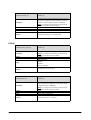
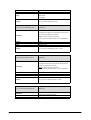
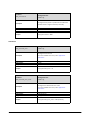
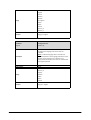
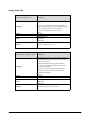
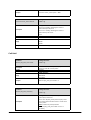
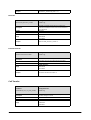
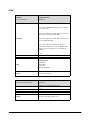
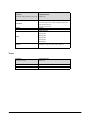
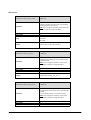
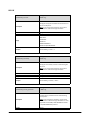
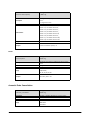
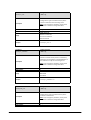
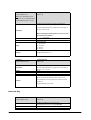
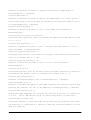
Parameter-
Configuration File
network.primary_dns
<MAC>.cfg
Description
Configures the primary DNS server when the Internet port type is configured as Static IP Address and the IP address mode is configured as IPv4 or IPv4&IPv6.
Format
Default Value
Range
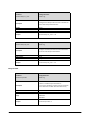
Note: If you change this parameter, the IP phone will reboot to make the change take effect.
IPv4 Address
Blank
Not Applicable
Example
network.primary_dns = 202.101.103.55
Matrix SPARSH VP110 User Guide