1
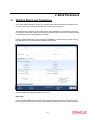
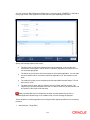
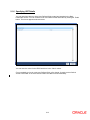
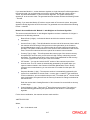
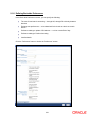
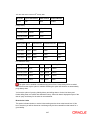
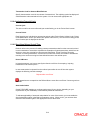
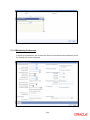
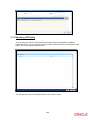
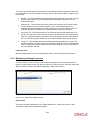
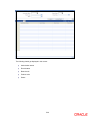
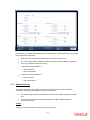
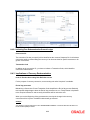
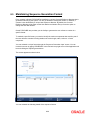
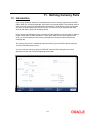
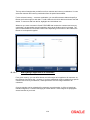
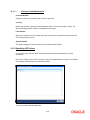
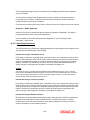
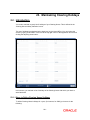
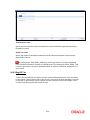
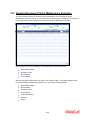
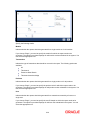
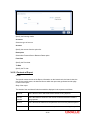
In this screen you can specify the weekly and also the annual holidays, for your branch, for any
year between 1 AD and 4000 AD.
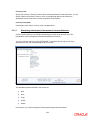
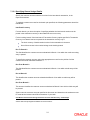
21.2.1 Steps to Define Yearly Holidays
To define holidays for a year, (for instance, for 2000) you have to do the following:
Building the calendar for the year
Step 1
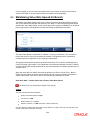
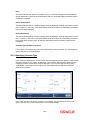
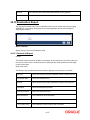
Select ‗New‘ from the Actions menu in the Application tool bar or click new icon
Step 2
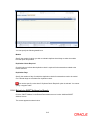
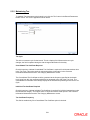
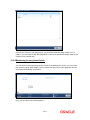
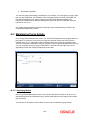
Enter the year -- 2000 or move to the year 2000 using the arrows
Step 3
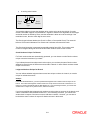
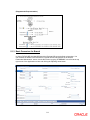
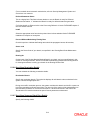
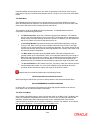
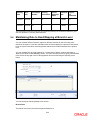
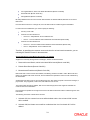
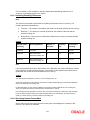
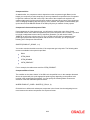
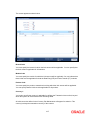
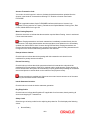
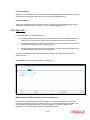
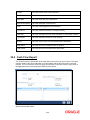
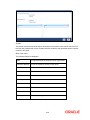
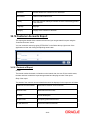
To build the calendar for the year, 2000 click the ‗Refresh‘ button. This button is called the
‗refresh / build up‘ button because it builds the calendar for you. Please note:
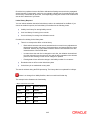
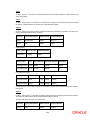
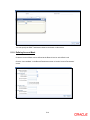
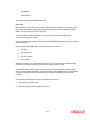
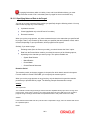
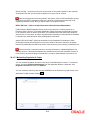
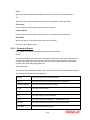
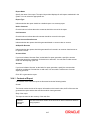
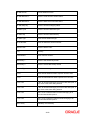
On invoking the calendar of any year, you will notice that Saturdays and Sundays are
marked as weekly holidays. This is the default setting of the system
21-2