1
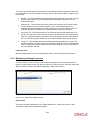
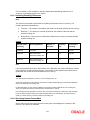
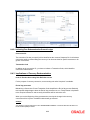
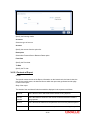
Component Value
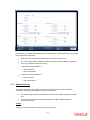
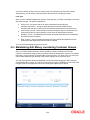
As stated earlier, the component value is dependent on the component length. Based on the
length, you can specify a value comprising of as many characters as specified in the Component
Length field. However, this field is used only if the value of the component is required to be
constant (static type) in all the user reference numbers generated at your bank. If the component
value is changing constantly (Dynamic type) for every contract, the system will automatically pick
up the value from the DB table based on the SQL query that you maintain for the purpose.
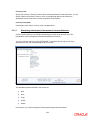
Component Column and Component Table
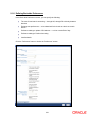
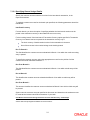
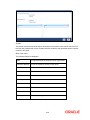
If your component is of the dynamic type, you will need to mention the name of the Oracle
FLEXCUBE column from where the system will pick up the component value. Further, if you wish
to include a manipulated column value in sequence generation, you will need to include
‗SUBSTR‘ as well in the column name. For eg, to include only the first four characters of the
product group associated with the product code involved in a contract, you will specify the
following in the Component Column field:
SUBSTR (PRODUCT_GROUP, 1, 4)
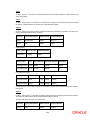
You need to mention the table name also, if the component type is dynamic. The following table
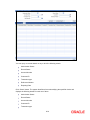
names are available in the option-list provided.
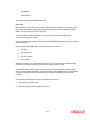
DUAL
STTM_BANK
STTM_BRANCH
CSTM_PRODUCT
For our example, the table name would be CSTM_PRODUCT.
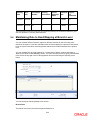
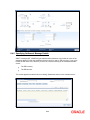
Component Where Clause
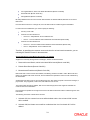
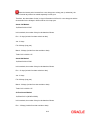
The condition or the ‗where clause‘ of the SQL code is specified here. In the example discussed
above, the system will pick up the appropriate product group depending on the product code
involved in the contract being processed. You can specify the following where clause as an
extension of the SQL statement specified earlier:
WHERE PRODUCT_CODE = SUBSTR (P_CRN, 4, 4);
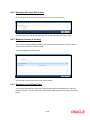
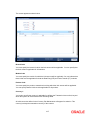
Click add icon to define each subsequent component in the format. Use the navigating icons to
move between the various components of a sequence format.
8-32