1
8. Compose Message
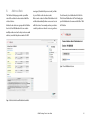
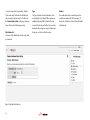
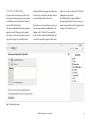
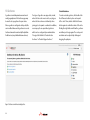
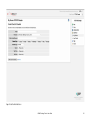
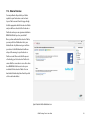
You may send a text message to a device from
the Compose Message page as shown in Figure
18. Simply type your message in the “Message”
box and click “Send Message”.
The number of allowable characters remaining
appears below the “Message” and is updated
as you type. You also have the option to send a
copy of the message to yourself (the email
address with which you logged in). Depending
on device type, you may also be able to request
an acknowledgement from the device.
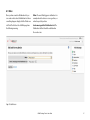
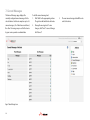
If you have access to more than one device, you
can send your message to multiple devices by
clicking on the “To” button. Then simply click
on the check box next to the additional devices
you wish to send your message to. (Note: Users
with access to only one device, the “To” button
will appear as normal text.)
Note: Different devices support different
message lengths, thus in order to ensure your
entire message is delivered, it is suggested your
message is 160 characters or less.
Figure 18 Composing a text message
BEAM Tracking Portal - User Guide
19