1
X Resources and Tcl Configuration Commands
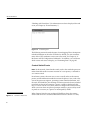
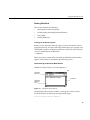
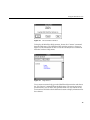
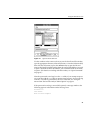
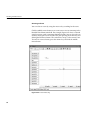
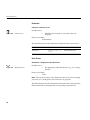
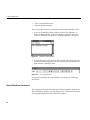
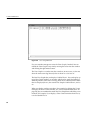
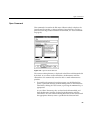
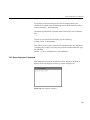
For example, to find out which version of Tcl is integrated into your
WindView executable, type the following into the Tcl Evaluation window:
info tclversion
<Ctrl-Return>
The following information is printed in the window after your command
line:
7.0
To read in a new file of Tcl commands, type the following:
source filename <Ctrl-Return>
This allows you to reread a particular Tcl initialization file after WindView is
running. For example, to reread your personal Tcl initialization file, type the
following:
source /my_home/.windview.tcl <Ctrl-Return>
For more information on the Tcl commands, see “WindView Extensions to
Tcl” on page 116, “Tcl Man Page,” and “Tcl: An Embeddable Command
Language.”
WindView Extensions to Tcl
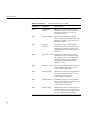
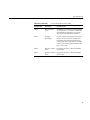
This section describes the WindView extensions to Tcl. You can use these in
Tcl scripts to automate your work. For examples, see “Customizing
WindView Tcl Initialization Files” on page 111.
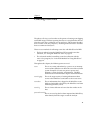
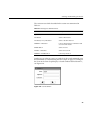
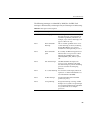
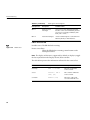
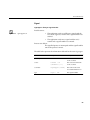
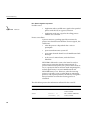
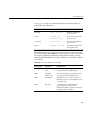
In this section, the following conventions are used:
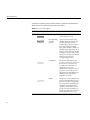
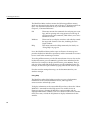
delayedEval time expr
Evaluates the specified Tcl expression expr in the specified
number of milliseconds time in the future. This can be used
to schedule target event collections. The timing facility used
is that provided by the X client library, and the delay time
should be considered approximate. In particular, if the
WindView application is busy when the timeout expires, it
runs the next time the application is idle.
This command does not return a value.
116