1
Quartus II Handbook, Volume 3
Fitter and Timing Analysis SDC Files
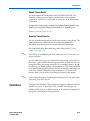
You can specify the same or different SDC files for the Quartus II Fitter for
place-and-route, and the Quartus II TimeQuest Timing Analyzer for
static timing analysis. Using different SDC files allows you to have one set
of constraints for place-and-route, and another set of constraints for final
timing sign-off in the Quartus II TimeQuest Timing Analyzer.
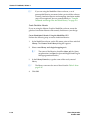
Specifying SDC Files for Place-and-Route
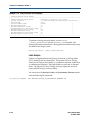
To specify an SDC file for the Fitter, you must add the SDC file to your
Quartus II project. To add the file to your project, use the following
command in the Tcl console:
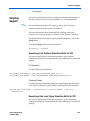
set_global_assignment -name SDC_FILE <SDC file name>
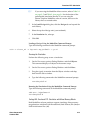
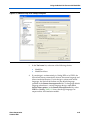
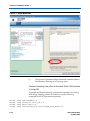
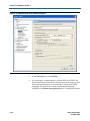
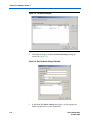
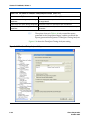
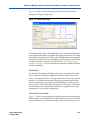
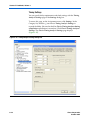
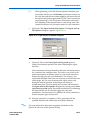
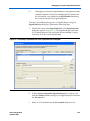
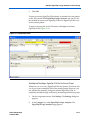
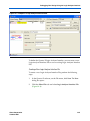
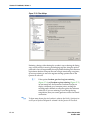
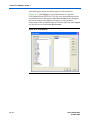
Or, in the Quartus II GUI, on the Project menu, click Add/Remove Files
in Project.
The Fitter optimizes your design based on the requirements in the SDC
files in your project.
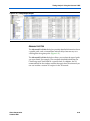
The results shown in the timing analysis report located in the
Compilation Report are based on the SDC files added to the project.
1
You must specify the Quartus II TimeQuest Timing Analyzer as
the default timing analyzer to make the Fitter read the SDC file.
Specifying SDC Files for Static Timing Analysis
After you create a timing netlist in the Quartus II TimeQuest Timing
Analyzer, you must specify timing constraints and exceptions before you
can perform a timing analysis. The timing requirements do not have to be
identical to those provided to the Fitter. You can specify your timing
requirements manually or you can read a previously created SDC file.
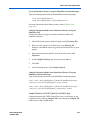
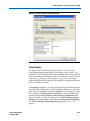
To manually enter your timing requirements, you can use constraint entry
dialog boxes or SDC commands. If you have an SDC file that contains
your timing requirements, you can use this file to apply your timing
requirements. To specify the SDC file for timing analysis in the Quartus II
TimeQuest Timing Analyzer, use the following command:
read_sdc [<SDC file name>]
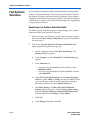
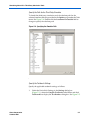
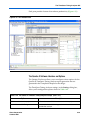
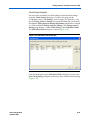
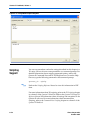
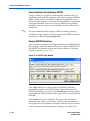
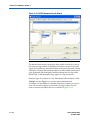
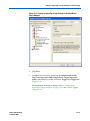
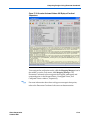
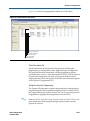
If you use the TimeQuest GUI to apply SDC file for timing analysis, in the
Quartus II TimeQuest Timing Analyzer, on the Constraints menu, click
Read SDC File.
6–26
Preliminary
Altera Corporation
October 2007