1
Quartus II Handbook, Volume 3
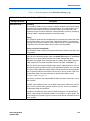
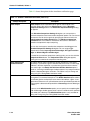
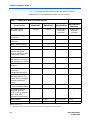
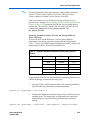
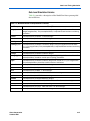
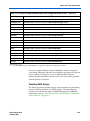
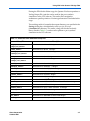
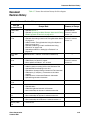
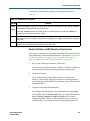
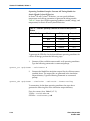
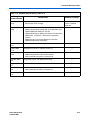
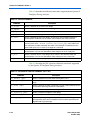
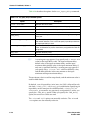
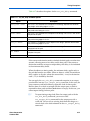
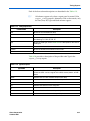
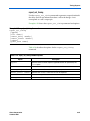
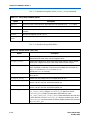
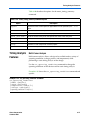
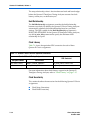
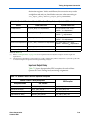
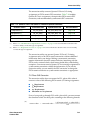
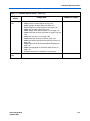
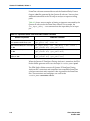
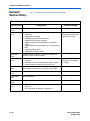
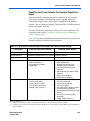
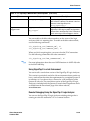
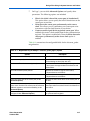
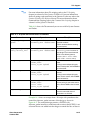
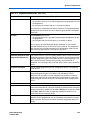
Table 3–5. VCS Software Compiler Options (Part 2 of 2)
Library
Description
+compsdf
Indicates that the VCS software compiler includes the back-annotated SDF file in the
compilation.
+cli
The VCS software enters Command-Line Interface (CLI) mode upon successful
compilation completion.
+race
Specifies that the VCS software generate a report that indicates all of the race conditions
in the design. Default report name is race.out.
-P
Compiles user-defined Programming Language Interface (PLI) table files.
-q
Indicates the VCS software runs in quiet mode. All messages are suppressed.
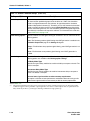
f
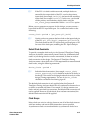
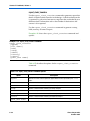
Using VirSim
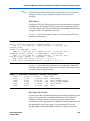
For more information about any VCS software option, refer to the VCS
User Guide.
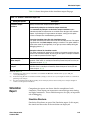
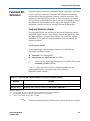
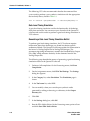
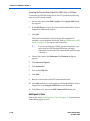
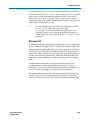
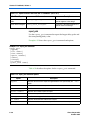
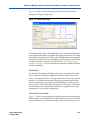
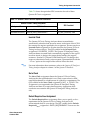
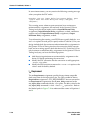
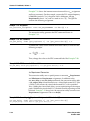
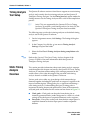
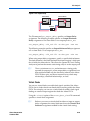
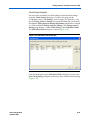
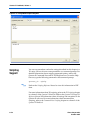
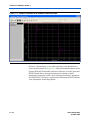
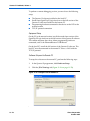
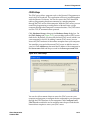
VirSim is the graphical debugging system for the VCS software. This tool
is included with the VCS software and can be run by using the -RI
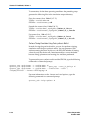
compile-time compiler option when compiling a design. The following
VCS software command describes the command-line syntax for
compiling and loading a timing simulation in VirSim:
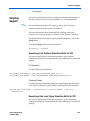
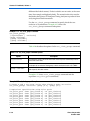
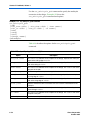
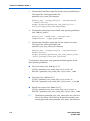
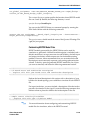
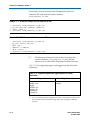
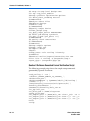
vcs -RI <test bench>.v <design name>.vo -v <path to Quartus II installation> \
\eda\sim_lib\<device family>_atoms.v +compsdf r
f
Debugging
Support
Command-Line
Interface
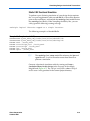
For more information about using VirSim, refer to the VirSim User
Manual included in the VCS software installation.
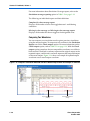
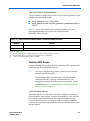
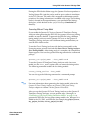
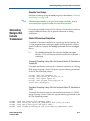
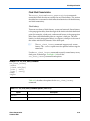
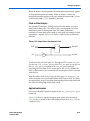
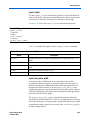
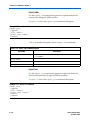
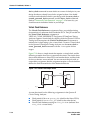
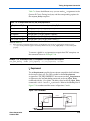
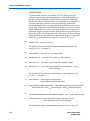
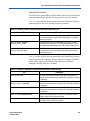
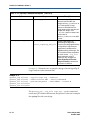
The VCS software has an interactive non-graphical debugging capability
that is very similar to other UNIX debuggers such as the GNU debugger
(GDB). The VCS software CLI can be used to halt simulations at
user-defined break points, force registers with values, and display values
of registers.
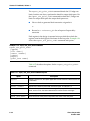
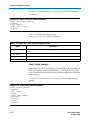
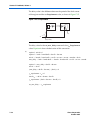
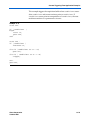
Enable the non-graphical capability by using the +cli run-time option.
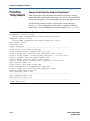
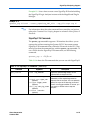
Use the VCS software CLI to debug your Altera FPGA design by typing
the following command:
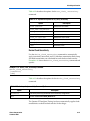
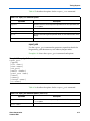
vcs -R <test bench>.v <design name>.vo
-v <path to Quartus II installation> \
\eda\sim_lib\<device family>_atoms.v +compsdf +cli r
3–12
Preliminary
Altera Corporation
October 2007