1
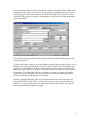
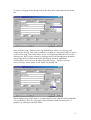
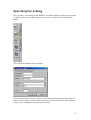
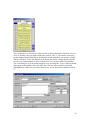
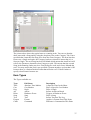
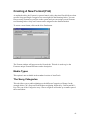
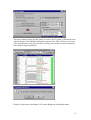
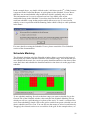
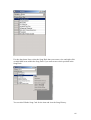
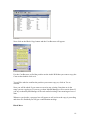
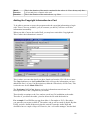
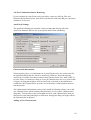
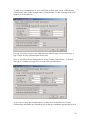
To select a Category for the Song, click on the drop down menu and select from the
list.
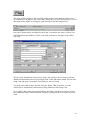
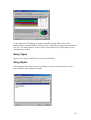
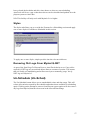
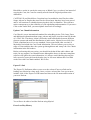
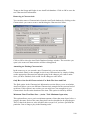
Next come the Song’s characteristics. By default these will be set to Energy and
Tempo where Energy is the power, passion or strength of a Song and Tempo is speed
or pace of the song. AutoTrack allows you to set a beginning and end level for each
characteristic, these can be selected by clicking on the corresponding drop down box
and picking the level that best describes the Song in question. Additional
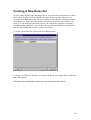
Characteristics and Levels can be added from the Settings – Database Settings –
General Settings menu option on the AutoTrack Setting Tab.
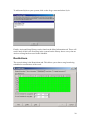
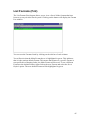
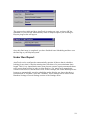
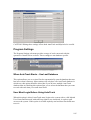
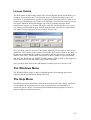
When setting Energy and Tempo, it is often helpful to hear what the track sounds like.
You can do this if your PC is equipped with a standard sound card and a pair of
speakers, by clicking on the Play button.
17