1
Description of the Reports (Profiles)
Within Copyright Report Generator you can view, but not alter, copyright
information, which is entered into the Audio Wall (see Adding Copyright information
to a Cart later in this guide). This information is displayed for viewing, and printing
from, different ‘Profiles’.
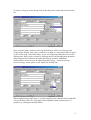
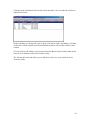
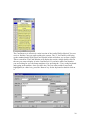
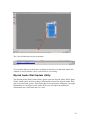
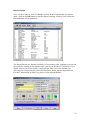
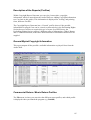
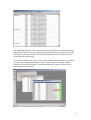
The Copyright Report Generator has a ‘General’ profile where all the possible
information for played Carts can be viewed (as shown below); the Performing Rights
Society however will never require this type of report. In a PRS Sweep, the
Performing Rights Society requires 2 different types of information: a Music Return
and a Commercial Return, which have different fields of information that need to be
supplied.
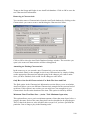
General Myriad Copyright Information
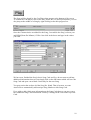
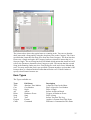
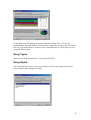
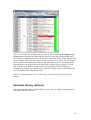
This report outputs all the possible, available information on played Carts from the
Audio Wall.
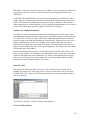
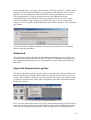
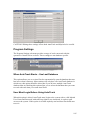
Commercial Return / Music Return Profiles
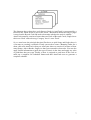
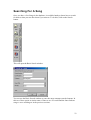
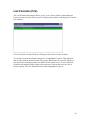
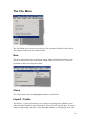
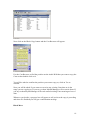
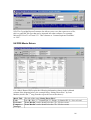
The File menu is where you can select the different report profiles, and which profile
is displayed when you launch the program (e.g. Default).
85