1
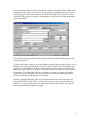
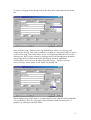
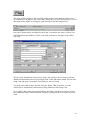
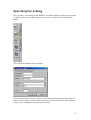
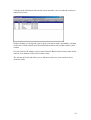
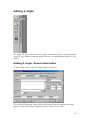
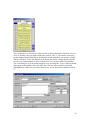
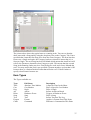
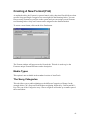
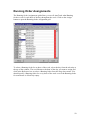
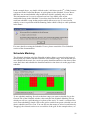
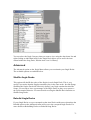
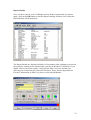
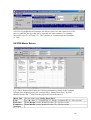
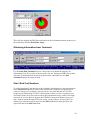
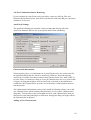
To add a new Jingle Category, click on an empty Jingle Category slot and type in the
new Jingle Category name. To amend an existing Category, click on the Category you
want to change and type in the new Category Name. You should bear in mind that
AutoTrack uses the Jingle Category Number not the name so if you changed Jingle
Category 1 from Jingle to Dry Stab then all of the Jingles that were originally in
Category 1 as Jingles would now be classified and Dry Stabs so you would need to go
and re-categorise them accordingly.
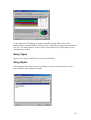
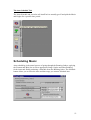
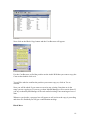
View Jingle Decks
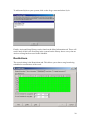
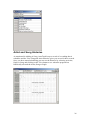
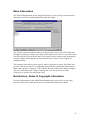
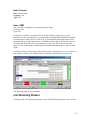
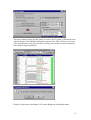
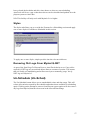
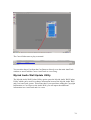
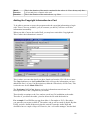
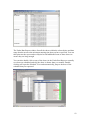
Just as with Songs, each Category of Jingle has a Jingle Deck, which contains a list of
all the Jingles within the Category. The Jingle at the top of the Jingle Deck will be the
next one to be selected from that Category assuming it reaches all the other criteria
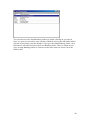
specified in the Running Orders, Formats and Station Rules. The View Jingle Desks
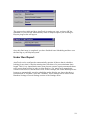
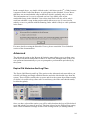
option allows you to view the Jingle Decks and to alter the order of items in the Jingle
Decks.
70