1
8
MES INTERFACE CONFIGURATION
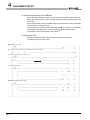
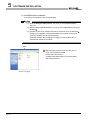
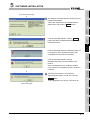
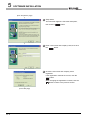
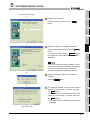
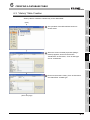
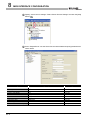
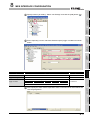
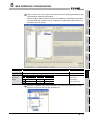
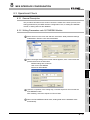
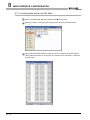
12 Choose "Select" in the list box for Action type and set the communication action
parameters as is shown below. (Default setting is acceptable for the exception
processing settings)
After the setting, SQL sentence to be sent to a database is automatically generated.
The generated SQL sentence can be confirmed in the [Generated SQL text] box on
the lower part of the screen.
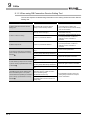
Setting item
Setting description
Setting method
Action type
Select
List selection
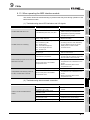
Table name
OrderTable
Text input
• Text input
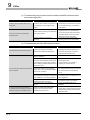
Field name
DB-tag link settings
Tag
Component
1
ProductCode
PuttingData
PCode
2
PlanNumber
PuttingData
Plan
(Field name)
• List selection
(Tag, Component)
• Text input
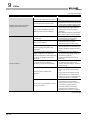
Field name
Select/Update conditions
OrderCode
Condition
=
Tag
GettingData
Component
OCode
(Field name)
• List selection
(Condition, Tag, Component)
8-7