1
6
CREATING A DATABASE TABLE
(From the previous page)
(To the next page)
6-2
3
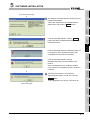
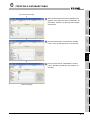
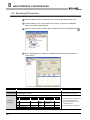
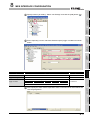
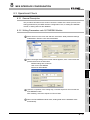
Choose Blank Database from the menu appearing
at the right to create a new database.
4
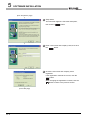
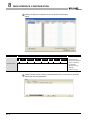
Specify file name as “Sample_DB.mdb.” and click
the Create button.
5
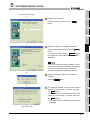
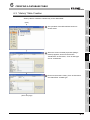
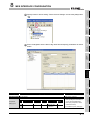
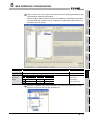
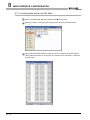
The above step opens the following dialog box.
Select “Create a table in Design View.”