1
3 Chromatogram
Clarity
3.1.6 Import Chromatogram…
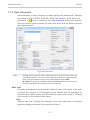
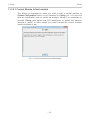
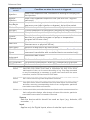
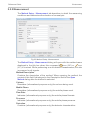
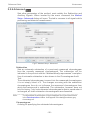
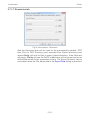
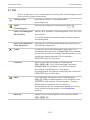
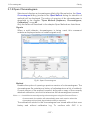
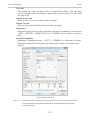
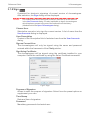
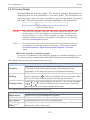
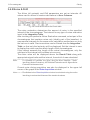
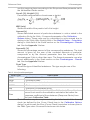
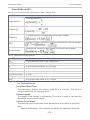
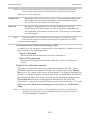
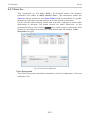
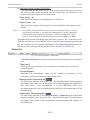
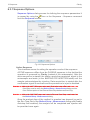
Imports a chromatogram in AIA, text or EZChrom ASCII format. The Text
files are supported with *.TXT, *.CHR and *.CSV suffixes. Select the Open
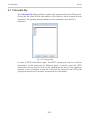
Files to Import dialog using the File - Import Chromatogram… command.
Select the desired directory and one or more files to import. The selection
of files displayed may be influenced by using the filter in the Files of Type
listbox.
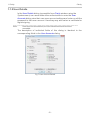
Caution:
Imported chromatograms are processed using the current method from
the Instrument window and not according to the method of the potentially
displayed chromatogram!
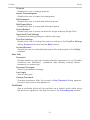
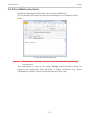
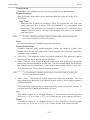
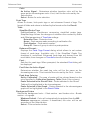
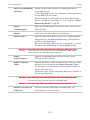
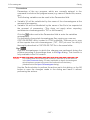
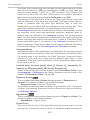
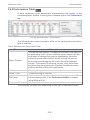
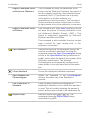
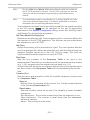
Import of several files simultaneously
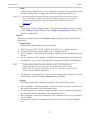
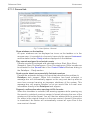
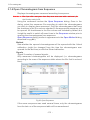
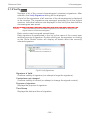
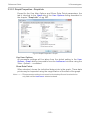
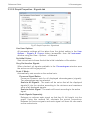
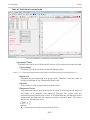
You may indicate a number of files simultaneously in the Open Files to
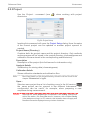
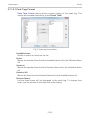
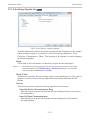
Import dialog. The Import Text File or Import AIA File dialogs will then
open progressively for each imported file according to the type of imported
file. If all the selected files share a same format, it is possible to import
them all with the same settings.
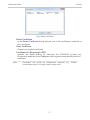
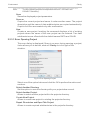
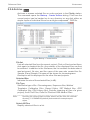
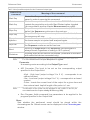
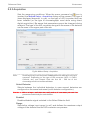
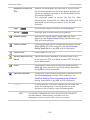
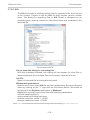
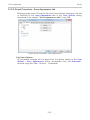
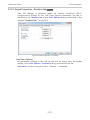
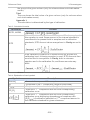
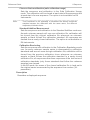
Import of multi-detector chromatograms
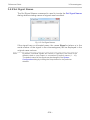
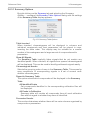
The Import Chromatogram… dialog
chromatograms from *.TXT format.
- 133 -
can
import
multi- detector