1
Reference Guide
3 Chromatogram
3.3 Display
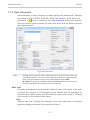
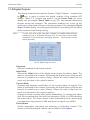
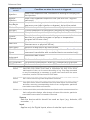
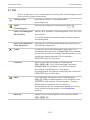
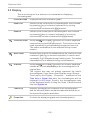
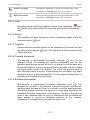
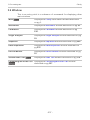
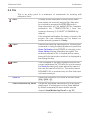
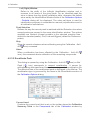
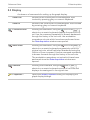
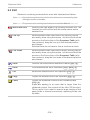
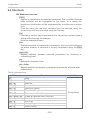
This is an entry point to a submenu of commands for displaying
chromatograms.
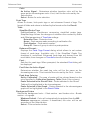
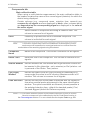
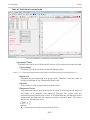
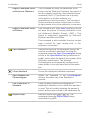
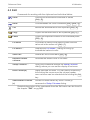
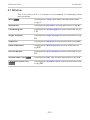
Preview Graph
Displays/hides the orientation graph.
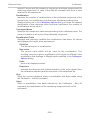
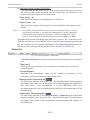
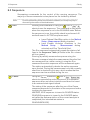
Zoom Out
Zooms out the current part of chromatogram. Also invoked
by pressing - key on numeric keyboard or by turning
mouse wheel clockwise with Ctrl pressed.
Zoom In
Zooms in the current part of chromatogram. Also invoked
by pressing + key on numeric keyboard or by turning
mouse wheel counter-clockwise with Ctrl pressed.
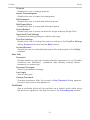
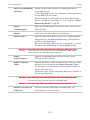
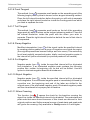
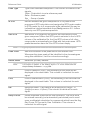
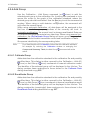
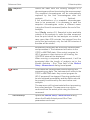
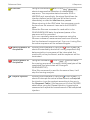
Previous Zoom
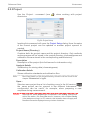
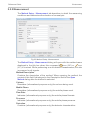
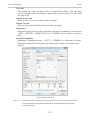
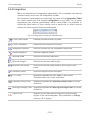
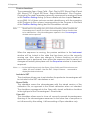
Using the
icon or Ctrl + - shortcut on numeric keyboard
restores the previously displayed cut. This function can be
used repeatedly to go backwards through previous cuts.
The station remembers all cuts effected during current
session.
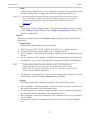
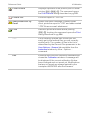
Next Zoom
Restores the original cut abandoned by the Previous Zoom
command. (Ctrl + + on numeric keyboard ) It can be used
repeatedly to go forwards through existing cuts. The station
remembers all cuts effected during current session.
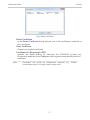
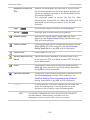
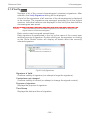
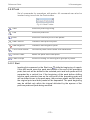
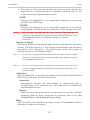
Unzoom
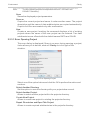
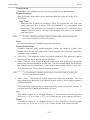
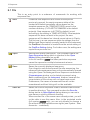
Using the
icon or Ctrl + * shortcut on numeric keyboard
cancels all cut-outs and displays the chromatogram in its
original size.
The original size may not always represent the whole
chromatogram. If you have a fixed display range (Range Fixed) set by the Display - Properties… command on the
Time Axis or Signal Axis tabs, the chromatogram will be
displayed in this range. Equally, the chromatogram may
not be displayed whole if using the Scale Y Mode function
from the Signals tab.
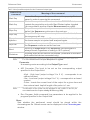
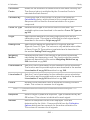
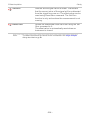
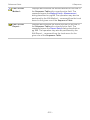
Tables Up
Mutually exchanges the locations of the chromatogram
and the tabs with tables so that the tabs with tables are at
the top and the graphs are below.
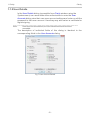
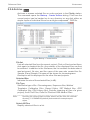
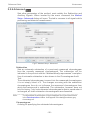
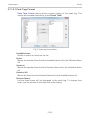
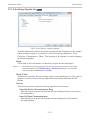
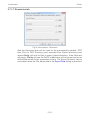
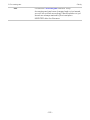
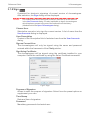
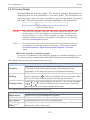
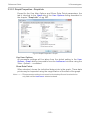
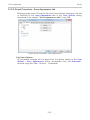
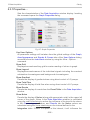
Properties
Controls the displayed graph and chromatogram(s).
- 156 -