1
7 Audit Trail
Clarity
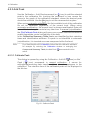
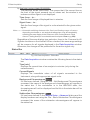
7.1.3 Export
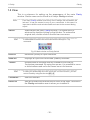
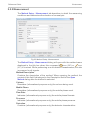
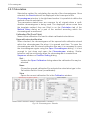
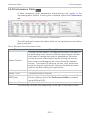
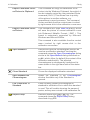
Exports a record of logged operations of the station into the text or
database file. The submenu contains two fields:
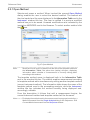
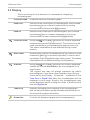
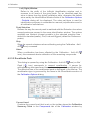
Text…
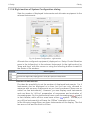
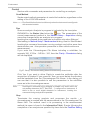
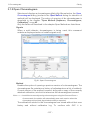
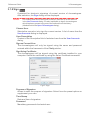
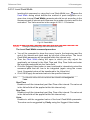
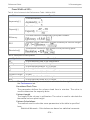
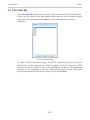
Exports data into a text file with the *.TXT or *.CVS extension. Individual
items in the export will be separated by semicolons. When invoked, the
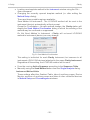
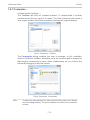
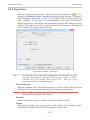
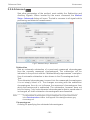
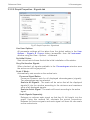
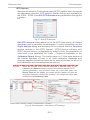
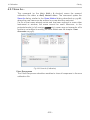
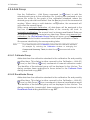
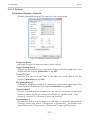
Save As dialog will appear where you must enter the name of the new file
or select some existing file.
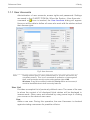
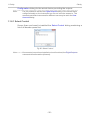
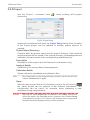
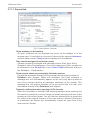
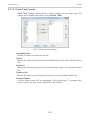
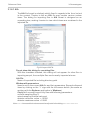
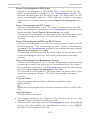
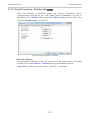
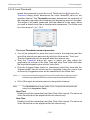
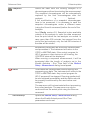
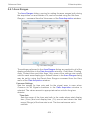
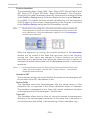
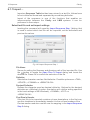
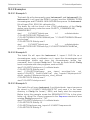
Fig 146: Audit Trail - Export - Save As dialog
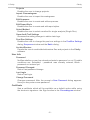
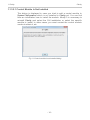
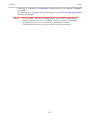
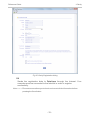
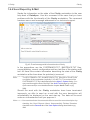
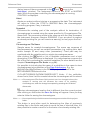
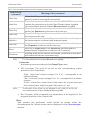
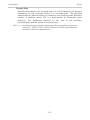
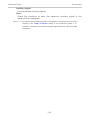
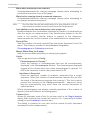
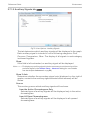
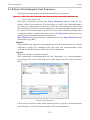
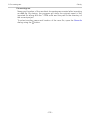
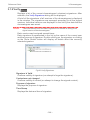
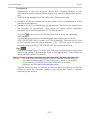
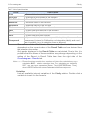
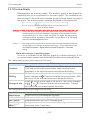
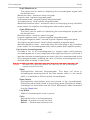
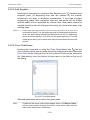
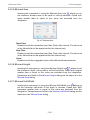
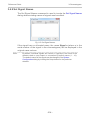
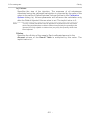
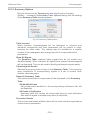
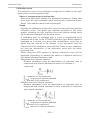
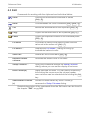
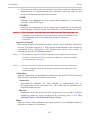
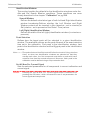
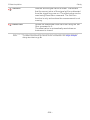
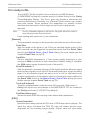
When trying to use an existing file a dialog will appear where you need to
select whether exported data will be appended to the end of file (Append),
or if the data will overwrite any existing content of the file (Overwrite).
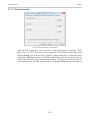
Fig 147: Audit Trail System Message
Note:
You need to select the extension to be used to filter the list of available files
or the extension of a newly saved file in the Save as type field.
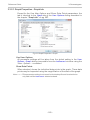
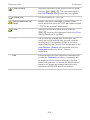
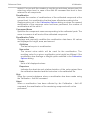
DBF…
Exports the logged data in database format. The procedure is similar to
the export into text file (it is necessary to select whether to append the
exported data to the end of the existing file or overwrite the file).
Note:
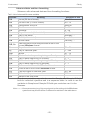
MS Access supports import of DBF files with DOS filename (eight
characters max) format only.
- 321 -