1
4 Calibration
Clarity
4.1 Calculate By
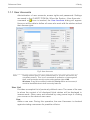
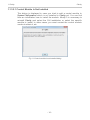
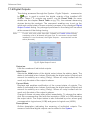
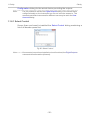
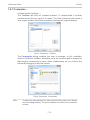
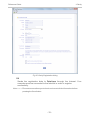
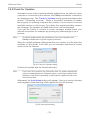
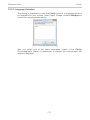
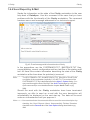
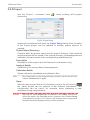
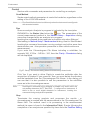
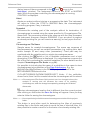
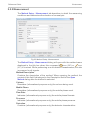
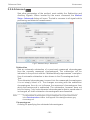
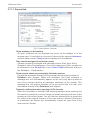
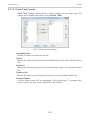
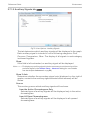
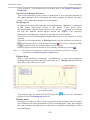
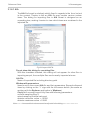
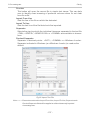
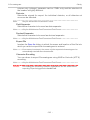
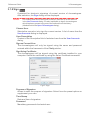
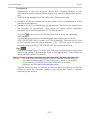
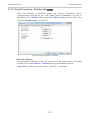
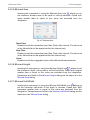
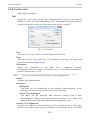
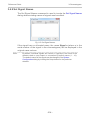
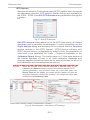
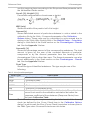
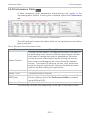
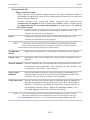
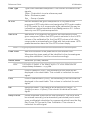
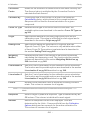
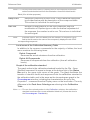
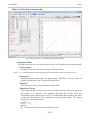
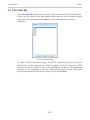
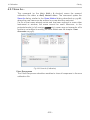
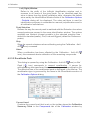
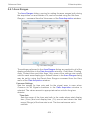
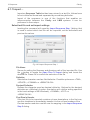
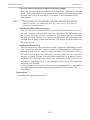
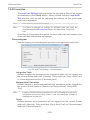
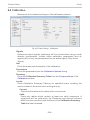
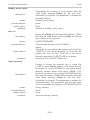
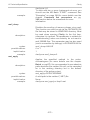
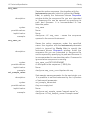
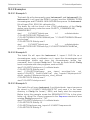
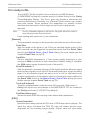
The Calculate By dialog allows to select the compound whose Response
Factor will be used for the calculation of the Amount value instead of own
response. Only peaks already added to the calibration are valid for
selection.
Fig 127: Calculate By
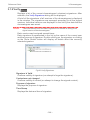
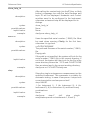
In case of ISTD calculation type, The ISTD compound may be used for
calculation of the amounts for different peak, in which case the ISTD
Amounts must be filled in both in the calibration file and in the unknown
sample. It is not possible to use the Calculate By option for an ISTD peak
(using the response of another compound for such peak).
- 251 -