1
Reference Guide
2 Instrument
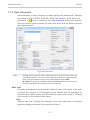
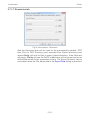
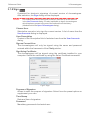
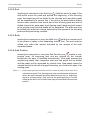
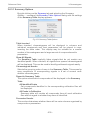
2.4.1.2 Rich Text Edit
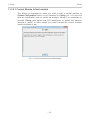
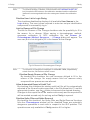
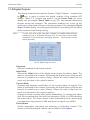
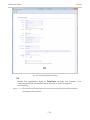
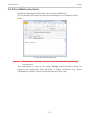
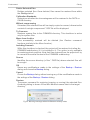
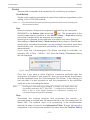
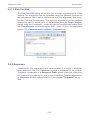
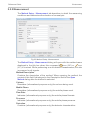
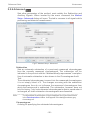
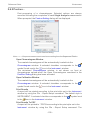
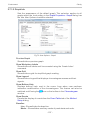
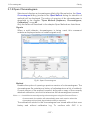
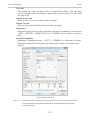
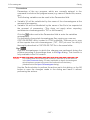
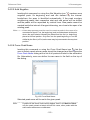
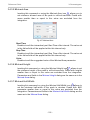
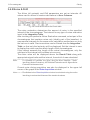
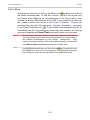
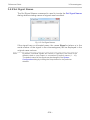
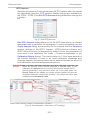
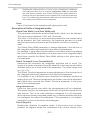
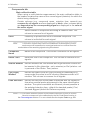
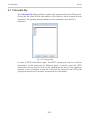
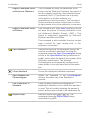
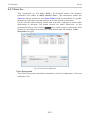
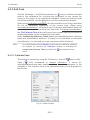
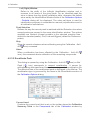
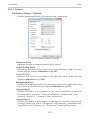
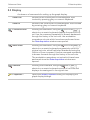
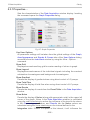
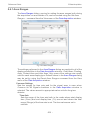
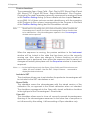
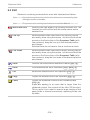
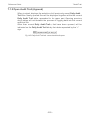
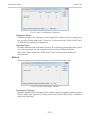
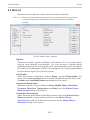
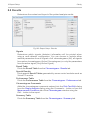
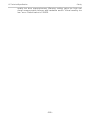
The Rich Text Edit dialog allows the user to enter any description of the
method. The description can be formatted using the classical functions of
text processors (Bold, Italics, Underlined text, text alignment, text color,
text font, text size, bulleted text). This dialog is accessible (and the method
description can be edited) prior to the analysis from the Single Analysis
dialog using the Comments… button or after the analysis has ended from
the Chromatogram window using the Edit… button in the Chromatogram
section of the Measurement Conditions - Instrument tab.
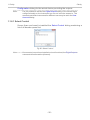
Fig 59: Rich Text Edit
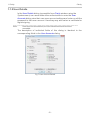
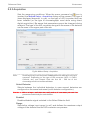
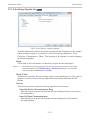
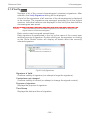
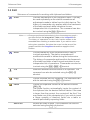
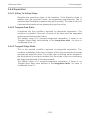
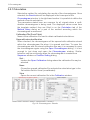
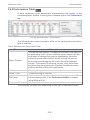
2.4.2 Sequence
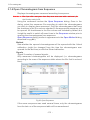
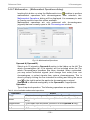
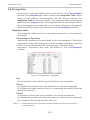
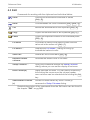
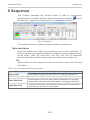
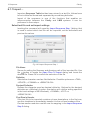
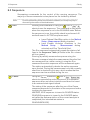
Command for the preparation and measurement of a series of analyses
using sequence file. The Sequence window is displayed at the prompt.
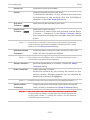
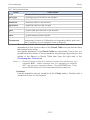
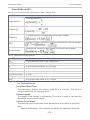
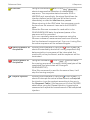
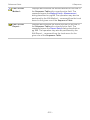
The major component is a Sequence Table , where each line describes
the method of processing for one or more samples. Detailed information
on Sequence window can be found in in the chapter "Sequence" on pg
294.
- 66 -