1
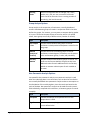
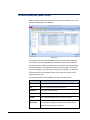
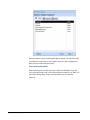
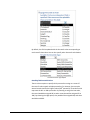
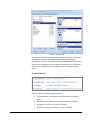
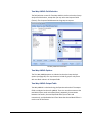
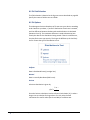
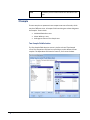
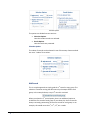
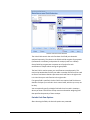
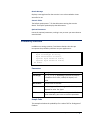
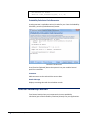
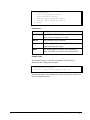
Preparing Your Database Library Reference To use a function in a library database, you need to create an explicit reference from your database to the library. Handle this by putting a module in design mode, and invoking the VBA Editor’s Tools, References menu: Access Library References Selection Make sure Total Access Statistics is selected. If it does not appear in the list, use the [Browse] button to locate the library file (TASTAT_R.MDE or TASTAT_R.ACCDE) in your installation directory. The reference is an explicit path, which means if you change the drive or location of the library, the reference is broken and the function calls will not compile. You can programmatically add library references with the AddFromFile command. This example adds a reference to the file name in the strFileName variable: Dim ref As Reference Set ref = References.AddFromFile(strFileName) Please refer to the VBA help file for more information on reference commands. 156 Chapter 11: Advanced Topics Total Access Statistics