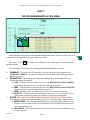
1
REQLESS- The Electronic, Web-Based Requisition Entry & Processing System
PART 4
THE CHANGING THE PASSWORD
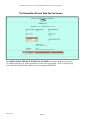
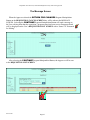
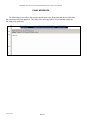
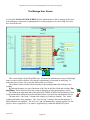
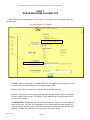
The Change Password Screen
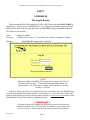
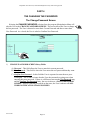
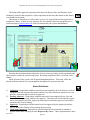
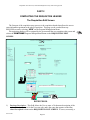
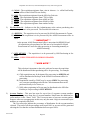
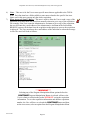
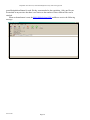
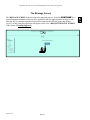
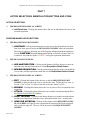
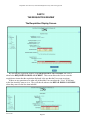
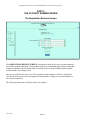
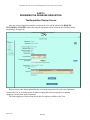
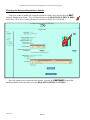
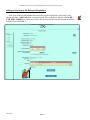
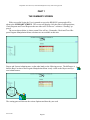
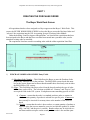
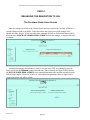
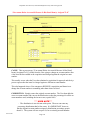
Selecting the CHANGE PASSWORD selection from the program Manipulation Menu will
take the User to the CHANGE PASSWORD SCREEN. This screen allows the User to change
his/her password. The User is directed to enter their Current Password and then to enter their
New Password. As a check, the User is asked to Confirm New Password.
1)
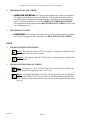
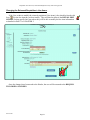
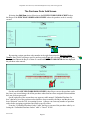
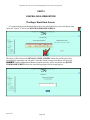
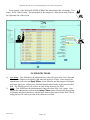
CHANGE PASSWORD SCREEN Entry Fields:
A) Password – This field allows the User to enter their current password.
B) New Password – This field is where the User enters the new password that they want
to use.
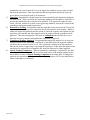
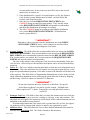
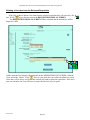
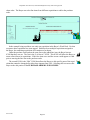
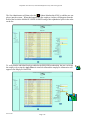
C) Confirm New Password – In this field the User is requested to enter the new password again. This is done to insure that the User does not make a typing error when
entering their new password. If there is a difference between the New Password entry
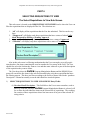
and the Confirm New Password entry, the user is taken to a PASSWORD ERROR
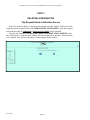
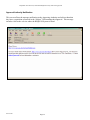
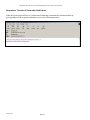
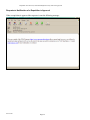
SCREEN. If the two entered passwords are the same, the User is taken to a PASSWORD NOTIFICATION CHANGE SCREEN.
REV 06/2007
Page-12