1
REQLESS- The Electronic, Web-Based Requisition Entry & Processing System
PART 3
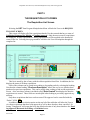
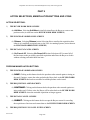
ENTERING THE LINE ITEM
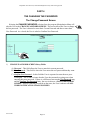
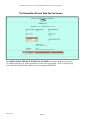
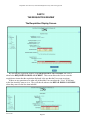
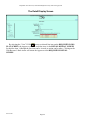
The Detail Edit Screen
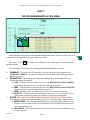
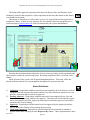
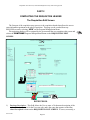
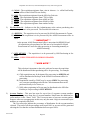
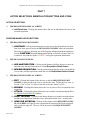
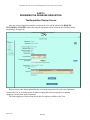
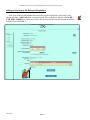
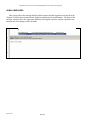
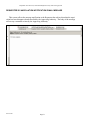
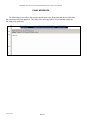
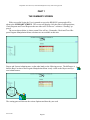
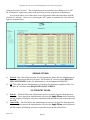
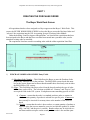
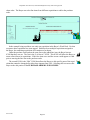
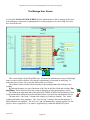
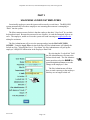
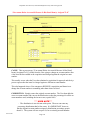
The second part of the requisition entry process concerns the description of what is to be purchased. This is when the User enters the information concerning what they want ordered in the
fields on the DETAIL EDIT SCREEN.
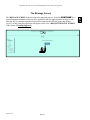
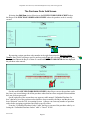
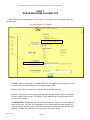
ENTRY FIELDS:
1)
2)
3)
4)
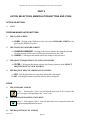
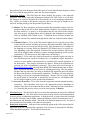
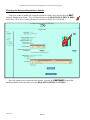
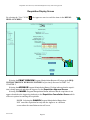
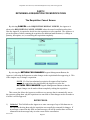
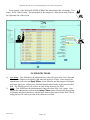
QTY – This field allows the User to enter the number of units that are to be ordered.
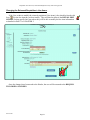
Unit – This field allows the User to select, via a drop-down box, the type of units that are to
be purchased. If the desired units are not included in the drop-down box, contact the Manager, NOAO Procurement or send a message to [email protected] to add the designation.
Description – This field allows the User to enter the description of the items being ordered.
The User should not reference an attachment. Rather, the User should describe the item desired in detail including part numbers and specifications. If available, the User should reference a quotation number. This field is limited to 200 characters..
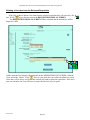
Percentage – This field allows the User to modify the percentages they entered on the
REQUISITION EDIT SCREEN to suite the needs of this specific line item. If the User
chooses, they can omit one account number all together.
***USER NOTE***
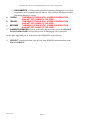
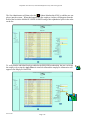
1. For example, on the REQUISITION EDIT SCREEN, the User selects two account numbers with equal distributions. However, when
entering the item to be purchased, the User decides not to use one account number. All that is needed is for the User to put 0% next to the
REV 06/2007
Page-27