1
REQLESS- The Electronic, Web-Based Requisition Entry & Processing System
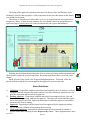
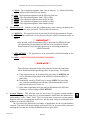
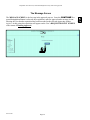
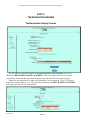
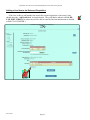
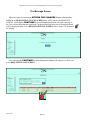
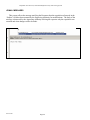
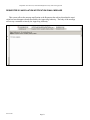
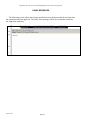
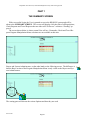
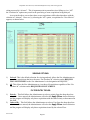
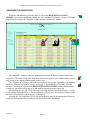
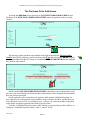
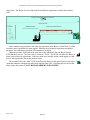
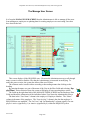
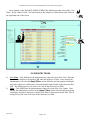
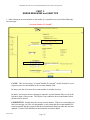
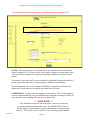
The user then goes to each line item and makes the following changes:
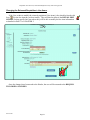
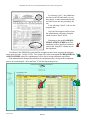
1. Changes the original percentage for the original account number to 0%.
2. Changes the object code for the original account number to a blank by selected the
drop-down box arrow and going to the very top of the list and selecting the blank.
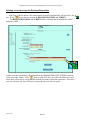
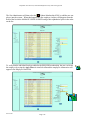
3. Changes the percentage for the correct account number to whatever percentage was
originally used by the incorrect account. Generally this is 100% but if two or more accounts were used, the percentage may be something other than 100%.
4. Selects the correct object code for the correct account.
Repeat these steps for all line items that are to be charged to the new account number.
REV 06/2007
Page-122