1
User Manual
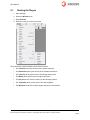
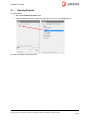
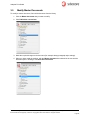
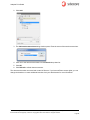
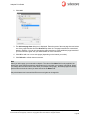
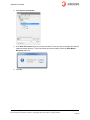
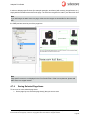
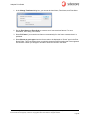
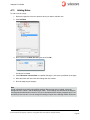
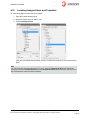
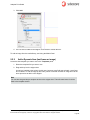
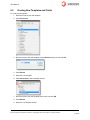
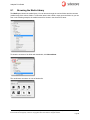
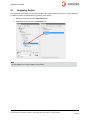
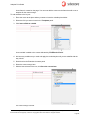
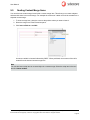
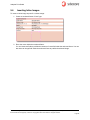
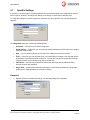
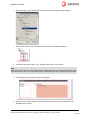
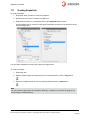
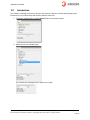
After adding some text fields and an image field, the snippet could look like this:
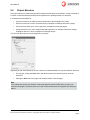
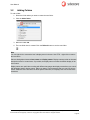
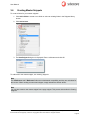
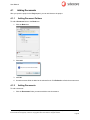
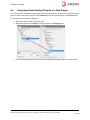
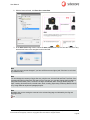
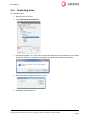
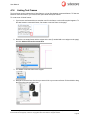
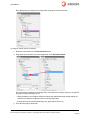
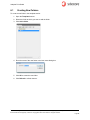
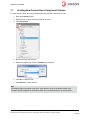
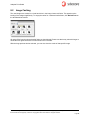
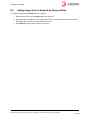
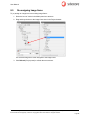
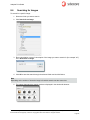
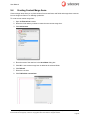
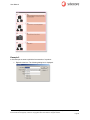
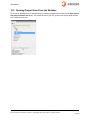
To assign a content item to the snippet:
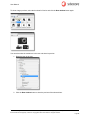
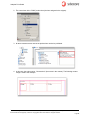
1. Select the content item in the Content browser panel.
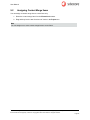
2. Drag and drop the content item to the snippet item in the Libraries browser.
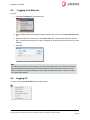
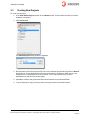
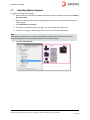
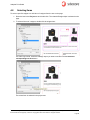
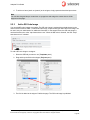
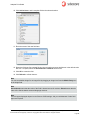
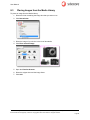
The content item is assigned to the snippet item (click refresh if necessary). Now you can publish
the page and adjust the page lay-out.
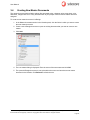
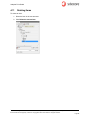
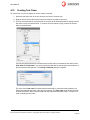
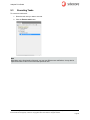
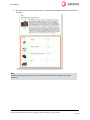
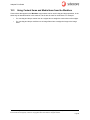
– When publishing a new snippet, initially the frames are published with the default settings as
defined in the Sitecore templates used to create the page items.
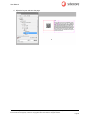
– Format all items as required (positioning, size, apply styles, and so on).
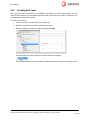
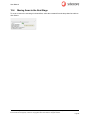
3. Then save the page or document.
Sitecore® is a registered trademark. All other brand and product names are the property of their respective holders. The contents of
this document are the property of Sitecore. Copyright © 2001-2012 Sitecore. All rights reserved.
Page 49