1
User Manual
8.3
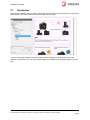
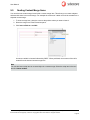
Placing Images from the Media Library
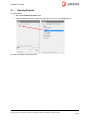
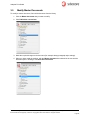
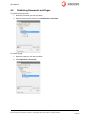
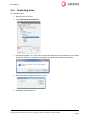
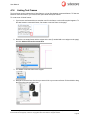
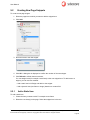
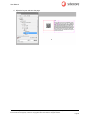
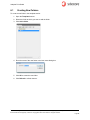
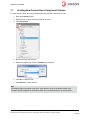
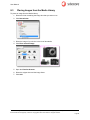
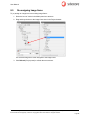
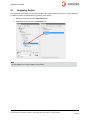
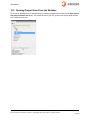
To place an image from the Media Library:
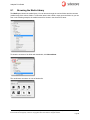
1. Select the folder containing the image item that you want to use.
2. Click Next window.
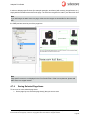
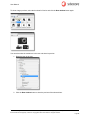
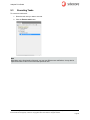
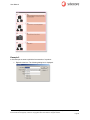
3. Select the image of your choice in the list of thumbnails.
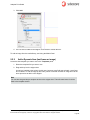
4. Click Place selected image.
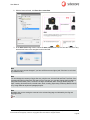
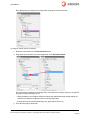
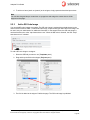
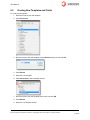
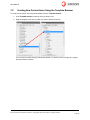
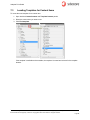
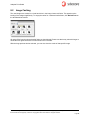
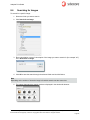
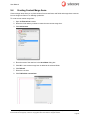
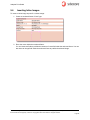
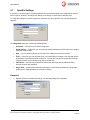
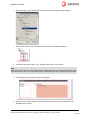
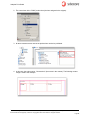
5. Open the Libraries browser.
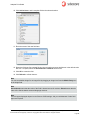
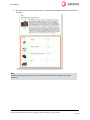
6. Select the snippet item and the image frame.
7. Click Add.
Sitecore® is a registered trademark. All other brand and product names are the property of their respective holders. The contents of
this document are the property of Sitecore. Copyright © 2001-2012 Sitecore. All rights reserved.
Page 67