1
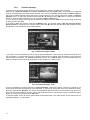
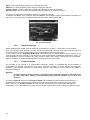
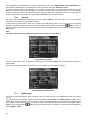
Fig. 36 Firmware update. Checking signature
After check of signature update process itself will start (saving of update in receiver). This may take several
minutes.
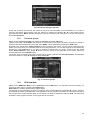
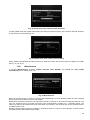
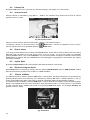
Fig. 37 Firmware update. Installation
Do not turn the receiver off during installation of the firmware in no case. Otherwise the firmware will be
damaged and you will have to apply to the service company for rewriting of the firmware.
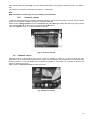
When firmware update is finished receiver will reboot automatically.
Update from cable network (OTA)
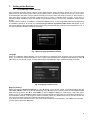
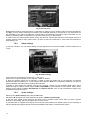
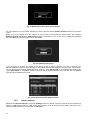
When operator starts to broadcast firmware update in cable network user gets a message in TV screen and can
choose to start update process or not. This function is active when in submenu Miscellaneous automatic OTA
checking is turned on, see 7.5.8 Miscellaneous. To start update select Yes and press OK.
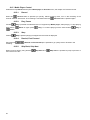
Fig. 38 Notification about OTA update
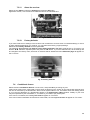
Existence of OTA update You can check by pressing OK on OTA update in Firmware update window. Update
searching will start. When update is found the button Download will appear.
21