1
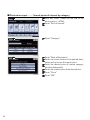
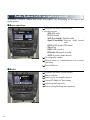
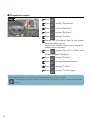
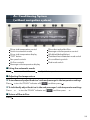
■ Display
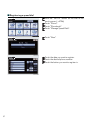
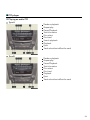
Adjusting the screen display
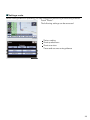
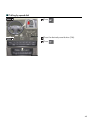
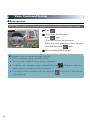
Push the “SETUP” button on the side of the touch
screen and touch “Display” screen on the “Setup”
screen.
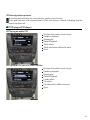
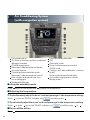
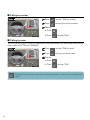
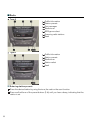
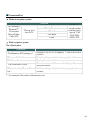
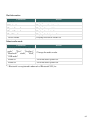
1 Displays the screen in “Day Mode” with the
headlight switch on
2 Turns the screen off
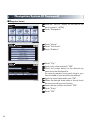
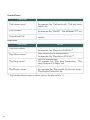
Adjusting the image the camera
display
3 Change function
4 Adjust contrast/brightness
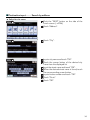
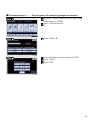
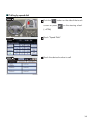
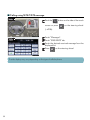
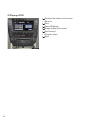
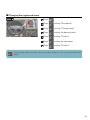
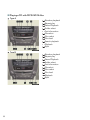
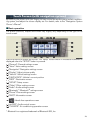
■ Screen scroll operation
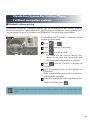
When any point on the map is touched, that point
moves to the center of the screen.
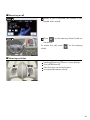
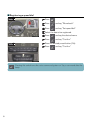
1 Indicates the street name, city name, etc. for
the selected point
2 Displays various information for the selected
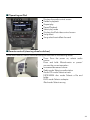
3
4
5
6
27
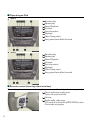
point
Indicates the distance from the current position to the pointer
Switches the map configurations
Zooms in on the map
Zooms out on the map