1
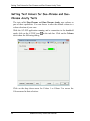
Setting Test Colours for Duo-Chrome and Duo-Chrome Acuity Tests
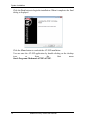
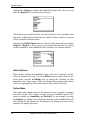
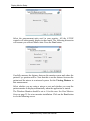
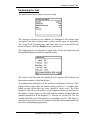
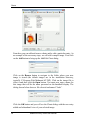
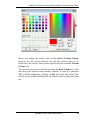
Before you change the colour, click on the Add to Custom Colours
button to save the current colour in case you later wish to restore it. As
shown here, the current colour is then copied to the next available Custom
Colours box.
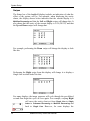
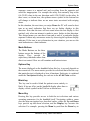
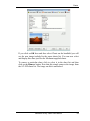
You can now select a new colour from either the Basic Colours set, click
and drag in the palette and/or intensity controls, or specify a particular
HSL or RGB combination. Clicking on OK will select that colour. This
will be saved and henceforth become the default colour for this part of that
test.
Medmont Acuity Tester User Manual
65