1
Fogging Test
Fogging Test
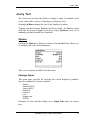
The Fogging test provides for display of various fogging indicators and
allows the operator to set the angle of the fogging indicator.
Options
There are three options available.
Type Option
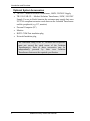
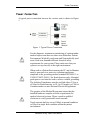
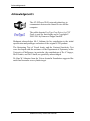
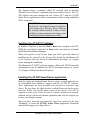
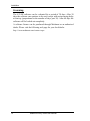
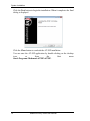
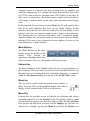
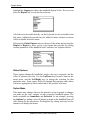
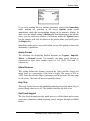
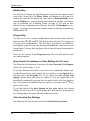
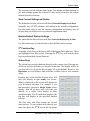
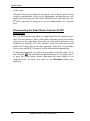
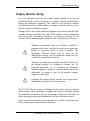
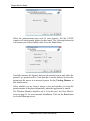
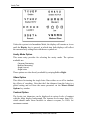
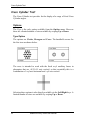
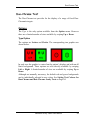
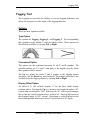
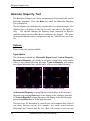
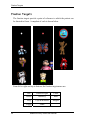
The options are Fogging, Fogging L, and Fogging V. The corresponding
three graphics at the default 0° angle are shown below. These options are
also directly available by swiping Left or Right.
V Increment Option
This option sets the rotational increment for the V and L graphics. The
available settings are 2.5° and 5°, and apply to the angular steps by which
these graphics can be rotated.
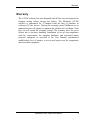
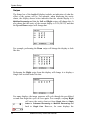
The Up key rotates the entire V and L graphic or the fogging pointer
clockwise, and the Down key anti-clockwise. The graphic selection is also
available from the fogging display by swiping Left or Right.
Display Offset Option
An offset of 0° (the default) displays 0° for the three initial display
positions above. Pressing the Up key increases the displayed angle to 90°
vertical and on through to 180°. Selecting the 90° offset option changes
this so that the initial positions above indicate 90°. Swiping Up increases
the displayed angle to 180° vertical. Continuing to swipe Up moves into
the second quadrant which starts from 0° and increases to 90° again.
Medmont Acuity Tester User Manual
45