1
Section 2: Managing Senteo Interactive
Response System Hardware
Senteo Manager is your primary tool for checking the receiver and clicker status, evaluating
student performance, selecting the mode of operation, managing class lists, starting and stopping
sessions, and viewing historical information about students and clickers.
NOTE: You can safely close the Senteo Manager while clickers are connected and question sets
are running. You can restart the manager at any time from the Windows notification area or Mac
menu bar, or by clicking Senteo > Senteo Manager in Notebook software. After restarting the
software, the Senteo Manager displays the current connection mode, as well as student and
clicker status.
Checking the Receiver
If you have installed the receiver using the procedure on page 8, you are ready to start a class
session. You can check the receiver’s communication status at any time using the following
procedure.
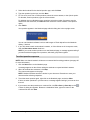
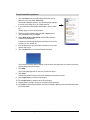
To check the receiver status
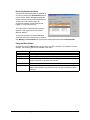
1. Click the Senteo icon in the Windows notification area or
Mac menu bar, and select Configure Hardware.
2. Click the Receivers tab (Windows operating systems) or
button (Mac operating systems) if it isn’t already selected.
–
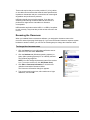
If a message appears that reads "The Senteo Receiver
is working properly", the Senteo receiver is connected
and in one of the "On" modes.
–
If a message that appears reads "The Senteo Receiver
is in Off (Power Save) mode", the receiver is connected
and working properly, and is ready to be switched to an
"On" mode.
–
If a message appears that reads "No receivers are
detected", check the receiver’s USB connection or
repeat the procedure on page 8.
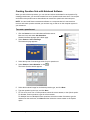
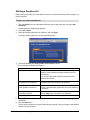
Selecting Receiver Channels
When the receiver switches to an "On" mode, Senteo assessment software tells the receiver to
scan all sixteen available channels and select one automatically based on the signal strength and
quality. The selected channel number appears at the bottom of the Receivers page. When the
receiver is off, the channel is unassigned.
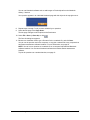
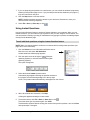
If you suspect that there is another device interfering with the channel Senteo assessment
software has selected, you can also use Senteo Manager to check the channel quality and
manually select a channel using the following procedure.
Managing Senteo Interactive Response System Hardware
11