1
Whiteboard V3.0 User's manual
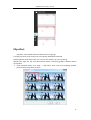
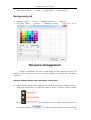
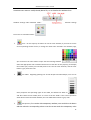
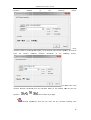
Background page, e.g.
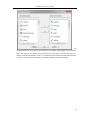
. The
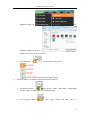
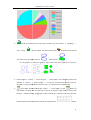
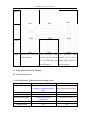
background pages will show as:
please select the picture that you want.
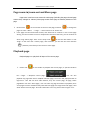
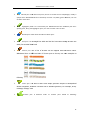
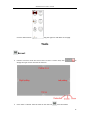
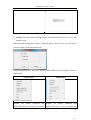
Click “New Page”
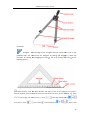
on the tool bar, it will show as:
and then select the page you want.
2.
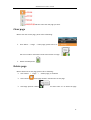
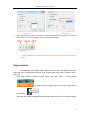
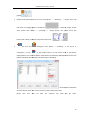
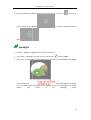
Full-screen mode or Annotation mode please refer to following:
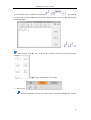
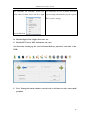
Click floating toolbar
Menu button→”Page”→”New Page”→”White page”
or “Green page” or “Black page” or “Background page”.
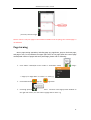
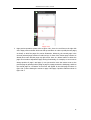
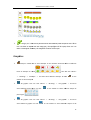
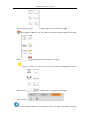
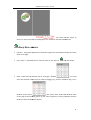
Click
floating
toolbar
”New
page”
button
and
will
show
as
12