1
XFile3-4.07-USER MANUAL
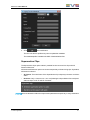
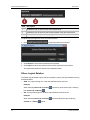
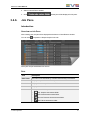
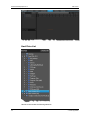
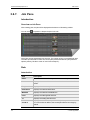
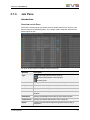
Please refer to 3.3.2 Sources Pane to see more information about the operations on
Sources list field.
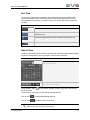
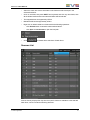
Right click on the clip to open the path in Explorer.
Double click on the clip to open it by Xviewer. The updated metadata in Xviewer can be
displayed on its Metadata column.
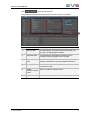
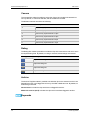
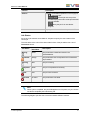
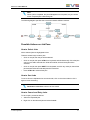
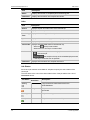
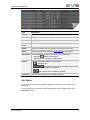
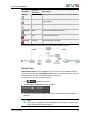
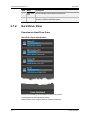
The following table explains three different colors on the row header in front of every
source.
Color of Head Row
Restore Status
No Color
Not restored
Orange
Waiting for restore
Green
Restored
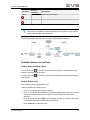
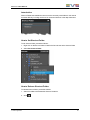
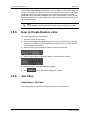
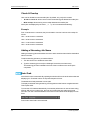
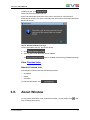
How to Trim a Clip with Xviewer
Shortening a clip with Xviewer is shortening the duration of the clip by Xviewer. The
prerequisite of this action is that the computer is installed Xviewer with valid Edit license.
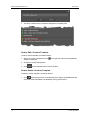
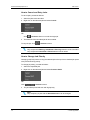
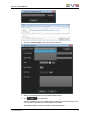
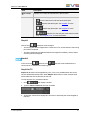
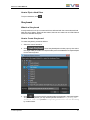
To shorten a clip with Xviewer, proceed as follows:
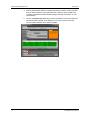
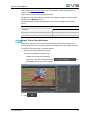
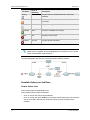
1. Open the clip to be shortened by Xviewer.
Two ways are available to open the clip:
◦
Double click the clip to be shortened.
◦
Right click on the clip to be shortened, click
then double click the clip to be shortened.
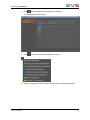
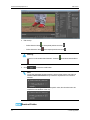
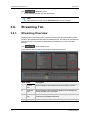
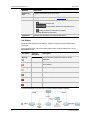
2. Click
3. XFile3 Application
and
.
63