1
23.2 2D Dimensions
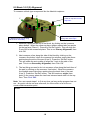
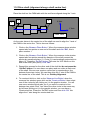
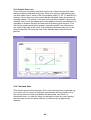
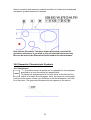
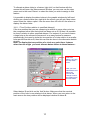
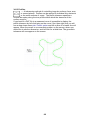
The method of constraining dimensions so that they are viewed only in two
dimensions. For instance perhaps you are interested only in the X,Y
separation of the two holes dimensioned above.
The method is:
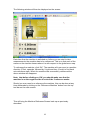
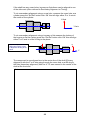
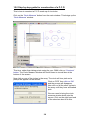
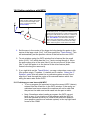
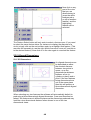
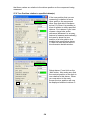
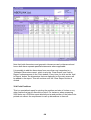
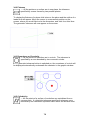
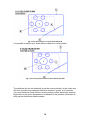
Select the two circle features, before placing the dimension on the screen.
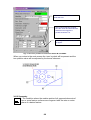
Right Click with the
mouse this will
reveal Dimension
Type drop down
menu
Scroll down the
menu and select
2D Alignment.
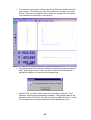
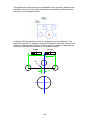
Then left click to
place the
dimension on the
screen.
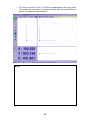
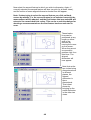
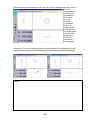
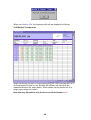
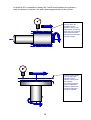
Note that the 2D
and 3D aligned
dimensions will
appear
identically in the
two dimensional
views, although
having different
values. Care
should therefore
be taken when
dimensioning
between
features that are
not in the same
plane.
23.3 Horizontal and Vertical Dimensions
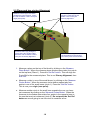
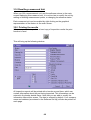
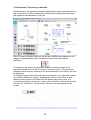
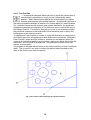
A horizontal or vertical dimension can be described either between two points
in space, or between a line or plane and a point, in which case the dimension
will be attached to the mid-point of the line or plane. Instead of being aligned
between the features, these measurements will be perpendicular to the
50