1
The Template Library Toolbar
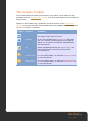
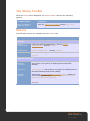
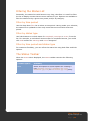
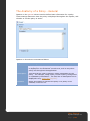
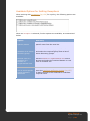
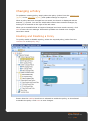
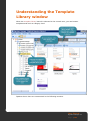
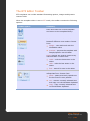
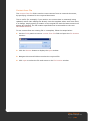
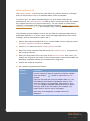
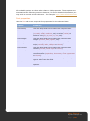
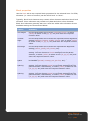
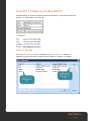
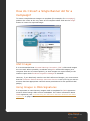
The template library toolbar provides quick access to key tasks. Options on this
toolbar vary, depending on which branch of the library is currently selected.
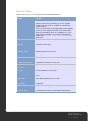
Options listed below are available when the top level (template library) branch is
selected:
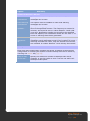
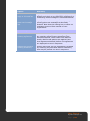
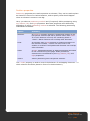
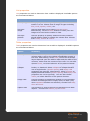
Option
Function
Notes
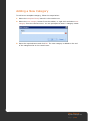
Create new
category [pg.174]
Adds a new category to the
bottom of the console tree.
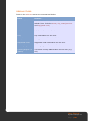
Import a template
[pg.182]
Previously exported template files
can be imported into the template
library.
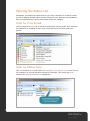
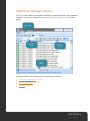
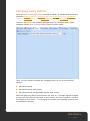
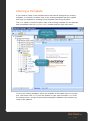
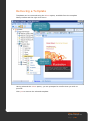
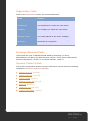
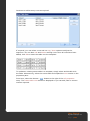
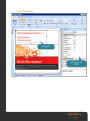
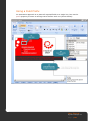
The Template Library Content Pane
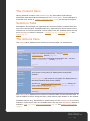
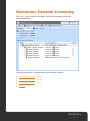
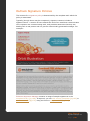
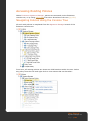
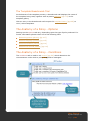
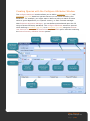
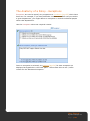
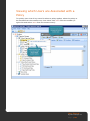
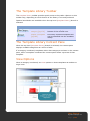
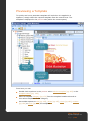
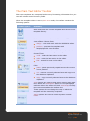
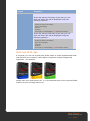
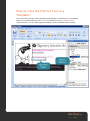
When the top level (template library) branch is selected, the content pane
displays available categories as a series of tabs.
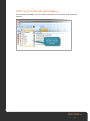
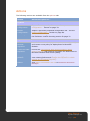
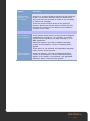
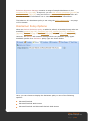
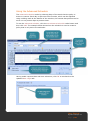
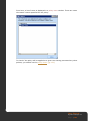
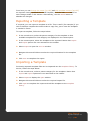
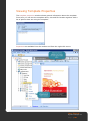
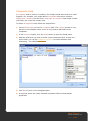
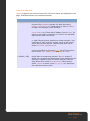
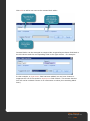
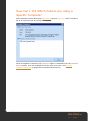
If a category is selected, templates within that category are shown in the content
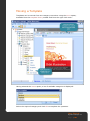
pane, and if a template is selected the content pane shows a preview of that
template.
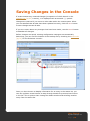
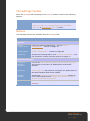
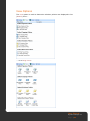
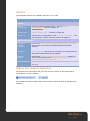
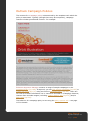
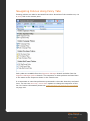
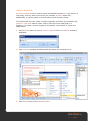
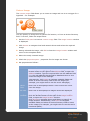
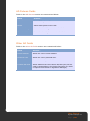
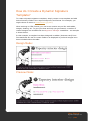
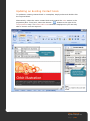
View Options
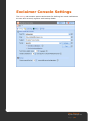
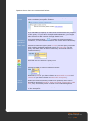
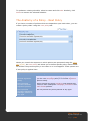
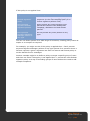
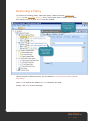
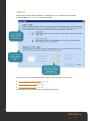
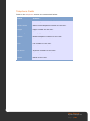
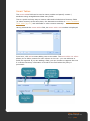
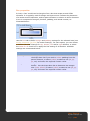
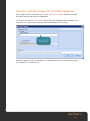
When a category is selected, use view options to show templates as medium or
large icons:
User Manual
Signature Manager 2.0
P a g e | 172