1
Option 2 - Deploy All User Signatures to the Same
Location
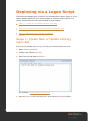
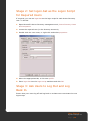
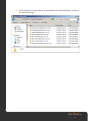
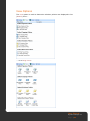
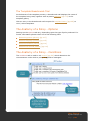
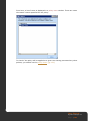
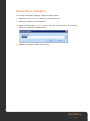
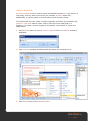
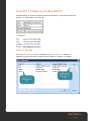
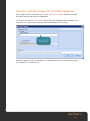
1. Navigate to the location where signatures were originally deployed (you would
have specified this in the Signature Manager setup wizard). For example:
\\DC1\Outlook Signatures.
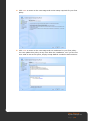
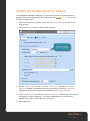
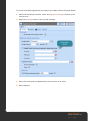
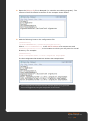
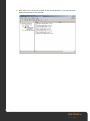
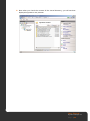
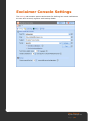
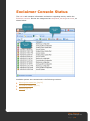
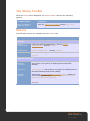
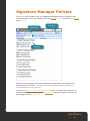
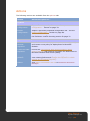
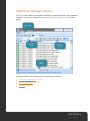
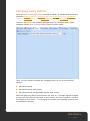
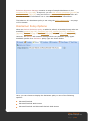
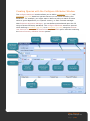
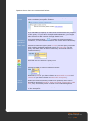
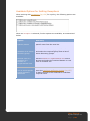
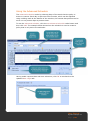
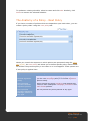
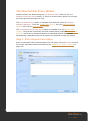
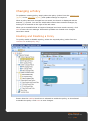
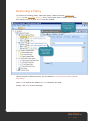
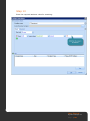
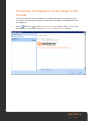
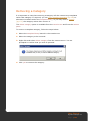
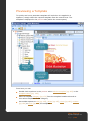
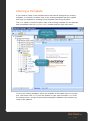
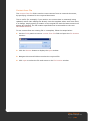
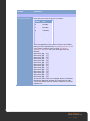
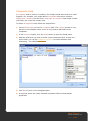
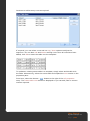
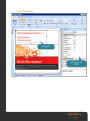
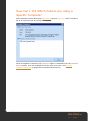
If you are not sure what deployment location was specified when Signature
Manager was first installed, simply open Signature Manager, select the
Signature Manager branch in the Exclaimer Console and check the settings
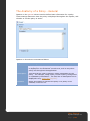
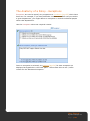
tab. In the following example, the deployment location is set to
\\helpDC\ Signatures:
User Manual
Signature Manager 2.0
P a g e | 44