1
Chapter 9: Esko Proof Control
9.1 What is Esko Proof Control?
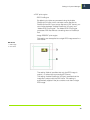
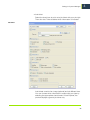
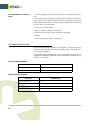
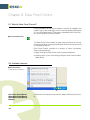
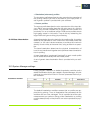
During installation of the Server software, a button is created in the
system tray on the lower right of the computer desktop (Windows)
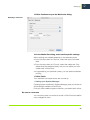
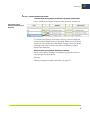
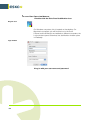
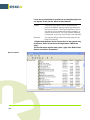
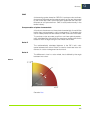
or in the Dock (Macintosh). This button represents Esko Proof Control, a tool used to control the Server.
Esko Proof Control icon
The Esko Proof Control button is green when the server is running,
red when the server is stopped, and black while Control is launching
or stopping the server.
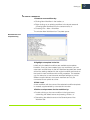
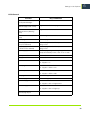
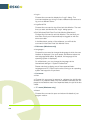
Esko Proof Control consists of a number of menu commands,
which are accessed by
• Right-clicking the Esko Proof Control button (Windows)
• Holding down <Ctrl> and clicking the Esko Proof Control button
(Macintosh).
9.2 Available features
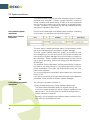
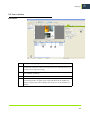
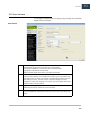
Esko Proof Control
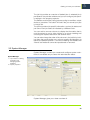
1 Esko Proof Control icon
1
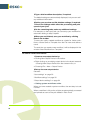
9.2.1 Esko Proof Server
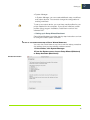
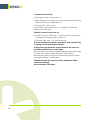
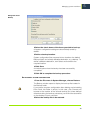
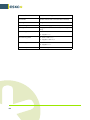
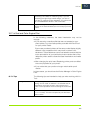
Stop/Esko Proof Server
Start/Esko Proof Server
Restart
122
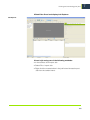
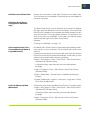
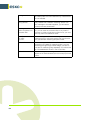
Choose this command to stop, start or restart the Esko Proof Server.