1
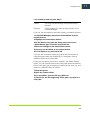
Settings in System Manager
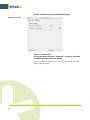
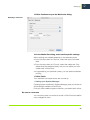
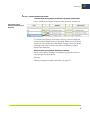
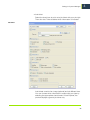
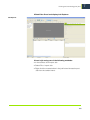
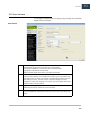
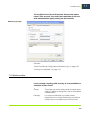
• Use/Disregard calibration
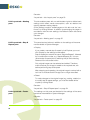
Some printers have an internal calibration feature, which is
supported by Esko Proof. This setting lets you choose whether
or not to apply the printer calibration by applying or ignoring the
setting made at the printer control panel.
Whichever setting you select, you should use the same one for
linearization/profiling.
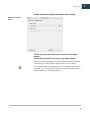
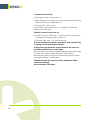
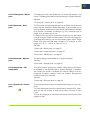
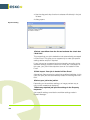
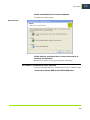
• Automatic calibration interval
This setting enables you to calibrate the printer using the
printer’s built-in measuring device. Regular calibration, in which
the total ink limits are redefined, ensures that the color
reproduction of the printer remains constant — from one print to
another, as well as between two printers of the same model,
irrespective of system variables such as ink level, environment
conditions and life of the print head.
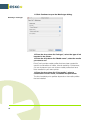
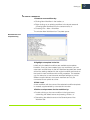
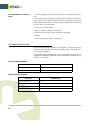
Printer calibration is initiated automatically according to the time
interval defined on this pane. Each calibration is valid only for the
particular combination of media type and resolution currently
selected on the Media pane. After calibration, the result is
automatically assigned to the appropriate media profile.
69
4