1
Uninstalling
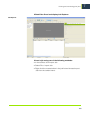
2 Click Install Esko Proof to start installation.
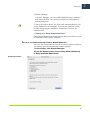
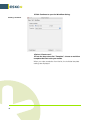
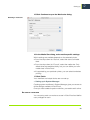
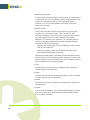
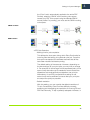
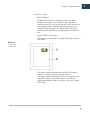
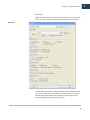
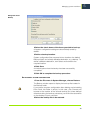
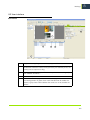
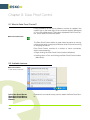
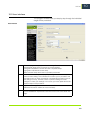
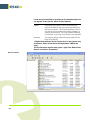
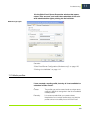
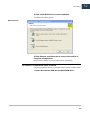
The Welcome dialog opens:
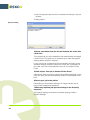
Welcome dialog
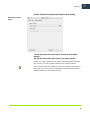
3 Click Remove and follow the on-screen instructions to
complete uninstallation.
Make sure to restart your computer before reinstalling.
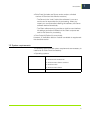
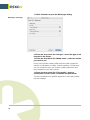
TO UNINSTALL VIA MACINTOSH SETUP PROGRAM
Use the procedure below to uninstall Esko Proof or media profiles.
1 Insert the software DVD into the DVD-ROM drive.
143
12