1
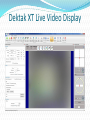
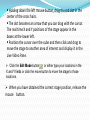
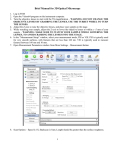
Holding down the left mouse button, drag the red dot in the center of the cross hairs. The dot becomes an arrow that you can drag with the cursor. The real time X and Y positions of the stage appear in the boxes at the lower left. Position the cursor over the cube and then click and drag to move the stage to another area of interest and display it in the Live Video Pane. Click the Edit Mode button or either type your locations in the X and Y fields or click the move button to move the stage to those locations. When you have obtained the correct stage position, release the mouse button.