1
5 Software database
5.3.2 Restoring the software database from the
backup
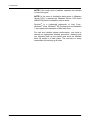
NOTE! If you use 32-bit SQL Server in 64-bit Windows, do
a following modification into ImportDB.bat before executing
it. Replace instances of Program Files with Program Files
(x86) in OSQLEXE and SQLCMD definitions.
NOTE! This procedure overwrites any existing patient data
stored in the software database.
NOTE! This procedure does not restore users and creates
default users. Use the software Manager to recreate users.
80
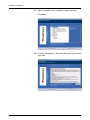
1.
Make sure that all users have been logged off the
software database (restore does not succeed if the
database is in use) e.g make sure that "PaloDEx 3D
Reconstruction Service" and "SCANORA Database
Backup Service" are not running.
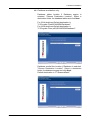
2.
Restore the image directory (e.g. C:\ScanoraData)
from the backup, INCLUDE ALL CONTENTS!
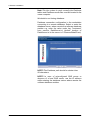
3.
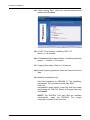
Run ImportDB.bat (located in the Tools folder).
In Windows 7 run file in command line opened with
"Run as administrator".
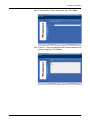
4.
Enter the administrator password in the command-line
(=admin by default).
5.
The database along with all the image data is now
restored.
SOREDEX
207633 rev 2