1
8 Uninstalling
8.1 Uninstalling the software
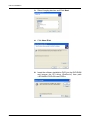
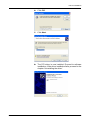
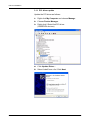
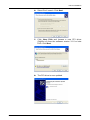
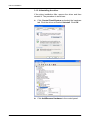
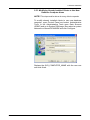
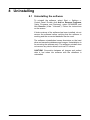
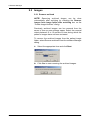
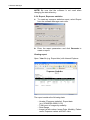
To uninstall the software, select Start ⇒ Settings ⇒
Control Panel. Double click Add or Remove Programs
(Vista: Programs and Features), select SCANORA and
click Remove (Vista: "Uninstall"). Follow the instructions
on the screen.
If older versions of the software has been installed, do not
remove the software before verifying that the software is
working and the converted database can be used.
The software uninstallation leaves directories on the hard
drive and saves the database and images. Uninstallation is
for removing the software only. The software uninstall does
not remove any device drivers such as PCI drivers.
CAUTION! Connection between all images and patient
data is lost when the software with the database is
uninstalled.
207633 rev 2
SOREDEX
91