1
On-Net Surveillance Systems, Inc.
Administrator Application
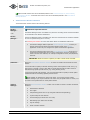
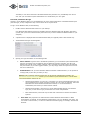
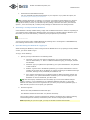
To add an output for manual control, do the following:
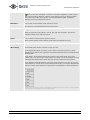
Note: In the following, it is assumed that the required output unit has been connected to the output port on the
required camera or other device, but that it has not yet been defined on your NetDVR system. If you have already
defined the output on your system, begin at step 5.
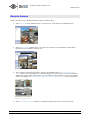
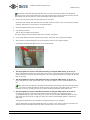
1.
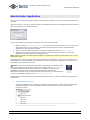
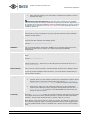
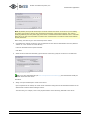
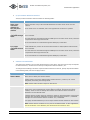
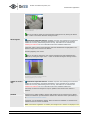
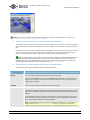
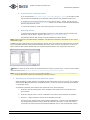
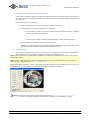
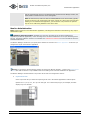
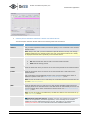
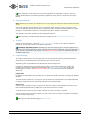
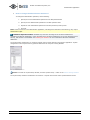
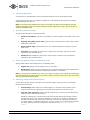
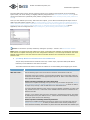
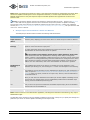
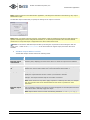
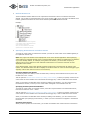
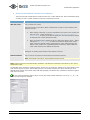
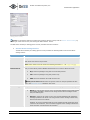
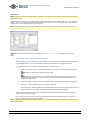
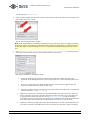
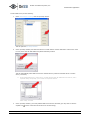
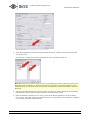
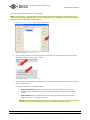
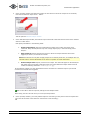
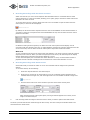
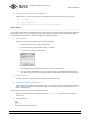
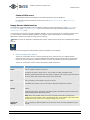
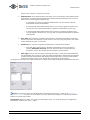
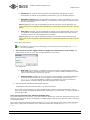
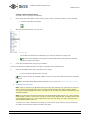
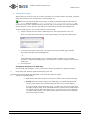
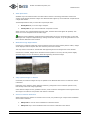
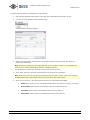
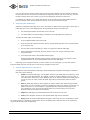
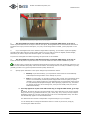
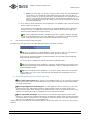
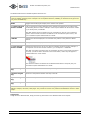
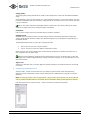
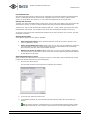
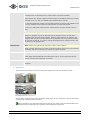
In the Administrator window, click the I/O Setup button:
This will open the I/O Setup window.
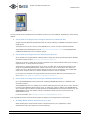
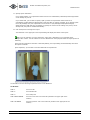
2.
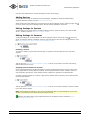
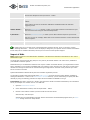
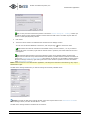
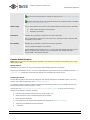
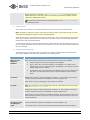
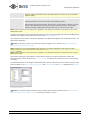
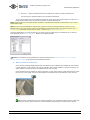
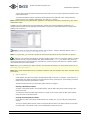
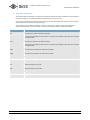
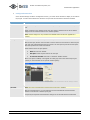
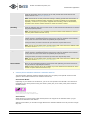
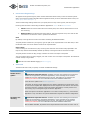
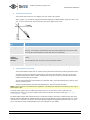
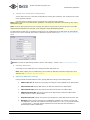
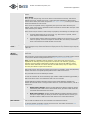
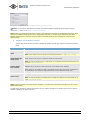
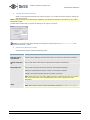
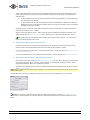
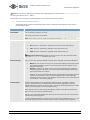
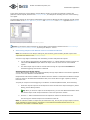
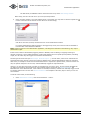
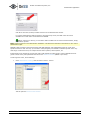
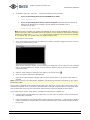
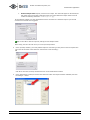
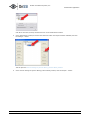
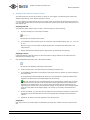
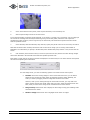
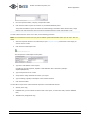
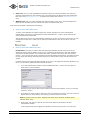
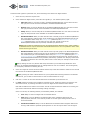
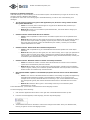
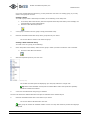
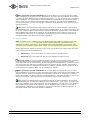
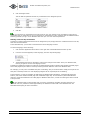
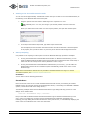
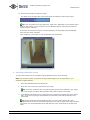
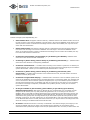
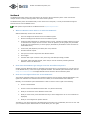
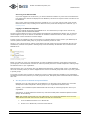
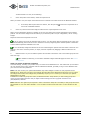
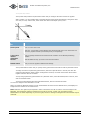
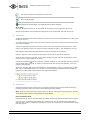
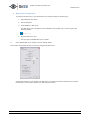
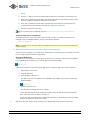
In the I/O Setup window, first select the camera or other device to which the output unit is connected,
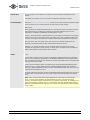
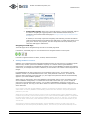
then click the Add new output event... button:
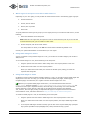
This will open the Add New Output window.
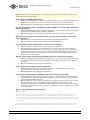
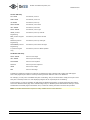
3.
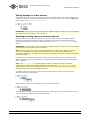
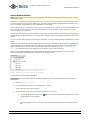
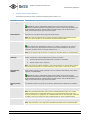
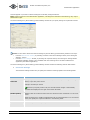
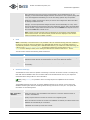
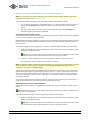
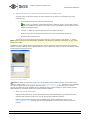
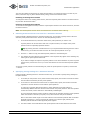
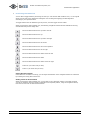
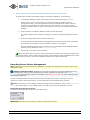
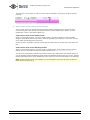
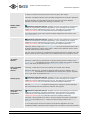
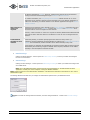
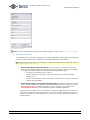
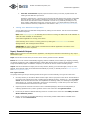
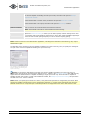
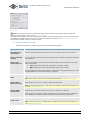
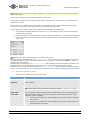
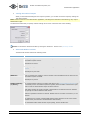
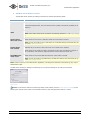
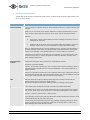
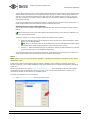
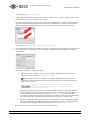
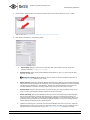
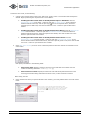
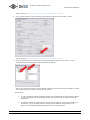
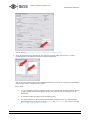
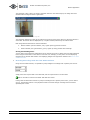
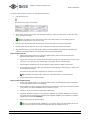
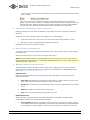
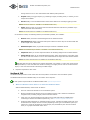
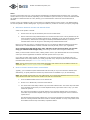
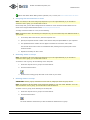
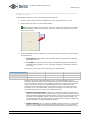
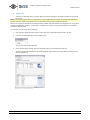
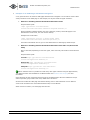
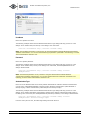
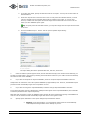
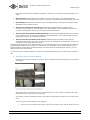
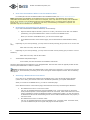
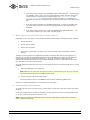
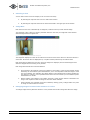
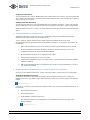
In the Add New Output window, the External output connected to field will show the name of the selected
camera or other device.
Now specify information in the following fields:
•
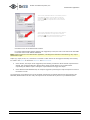
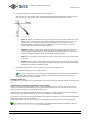
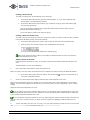
Output connected on: Select the camera/device output port on which the output unit is
connected. Many cameras/devices only have a single output port; in that case simply select
Output 1.
•
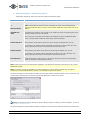
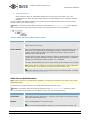
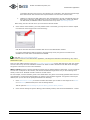
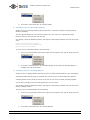
Keep output for: Specify the amount of time for which the output should be active when
triggered, in either 1/10 seconds or seconds.
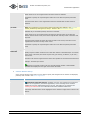
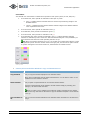
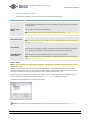
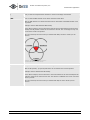
Note: Some devices are only able to apply outputs for a relatively short time, for example max. five
seconds. Refer to the documentation for the device in question for exact information.
222 Route 59, Suite 303, Suffern, NY 10901 | Tel: 845-369-6400 | Fax: 845-369-8711 | www.onssi.com | [email protected] | page 110