1
Programming Software Getting Started Manual
Pr
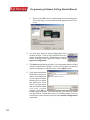
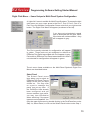
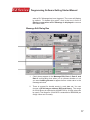
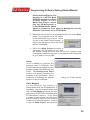
Configuration. The Save As screen will appear. Type in the name of the
project where you want to save the selected panel configuration. Click on
the Save button to export.
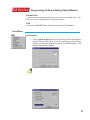
Information
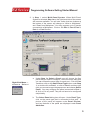
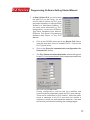
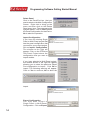
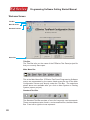
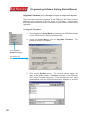
Click on the panel you wish to receive information on and then click on
Information to access the Panel Status window for the Panel/Port you
have selected. A picture of the panel type, key features of the current
panel, and Panel and PLC information is provided (panel model, Firmware
Revision, Memory Size, PLC Driver, and PLC Driver Revision number
are displayed).
Upgrade Firmware
Consult your EZSeries Text Panel Hardware User Manual that came with
your unit before you upgrade your panel firmware!
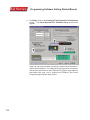
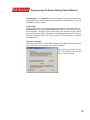
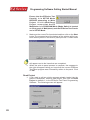
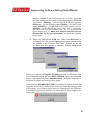
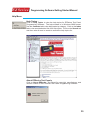
Click on the panel you wish to upgrade, right click your mouse for the
menu, and then click on Upgrade Firmware. The following window will
appear. Select the correct firmware and click on the OK button.
15