1
M ANAGING A PPROVALS
There are many different ways of structuring a multiple approval process, and the best method depends
on your company’s particular circumstances.
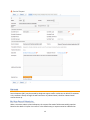
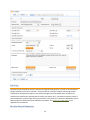
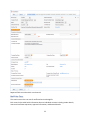
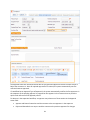
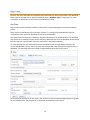
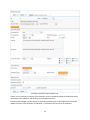
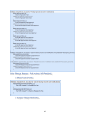
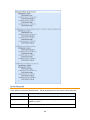
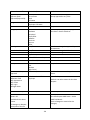
We have tried to make the out-of-the-box implementation as simple as possible by creating hard coded
approval fields (1st approver, 2nd approver, 3rd approver and so on) with up to 5 separate approval
teams/persons/approval dates/yes-no approval fields for each change request. If your change requests
typically require 3 or fewer approvals, this is probably the simplest setup to manage, and we have
already preconfigured some essential approval notifications and validations for you.
If your changes often require more than 4 approvers or approval teams, this is probably not the ideal
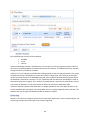
setup for you, and an embedded table of approvals would likely make more sense. It is easy to add a
table called Approvals and embed that table in the CR table so that when a CR request is created, an
unlimited number of related approval records can be created, each with their own status, assignee,
access, automatic notification, and so on. Automating approval behavior with an embedded table is a
bit more complex than with hard coded fields, particularly if you would like to automatically create a set
of approval records for specific change services or based on some other criteria. However, such
automation can certainly be done, and our professional service team would be happy to assist you in
meeting your precise needs.
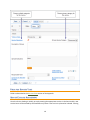
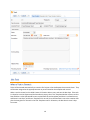
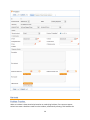
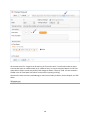
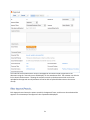
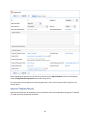
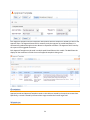
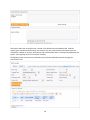
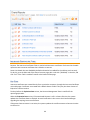
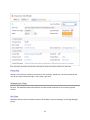
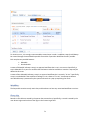
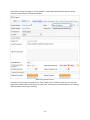
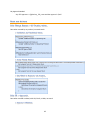
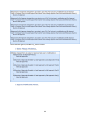
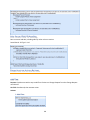
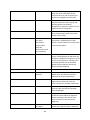
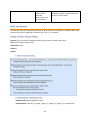
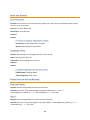
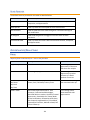
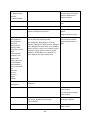
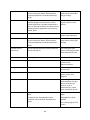
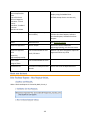
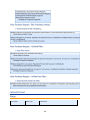
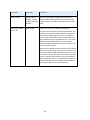
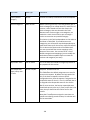
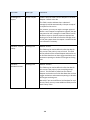
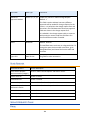
The current setup shows from 1 to 5 sets of approval fields based on the service selected and the value
in its “Number of Approvals Needed” field. It allows the technician to identify the appropriate approval
teams or individuals and does not automate this. It also allows the number of approvals field to be
modified by anyone with the appropriate permission to expose or hide additional approval fields.
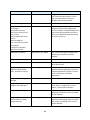
Details of the built-in approval automation are provided below in the Use Case section and in the
Change Request Rules section of the Appendix.
33