1
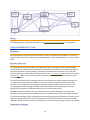
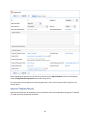
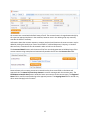
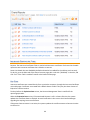
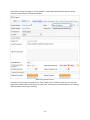
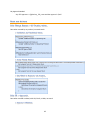
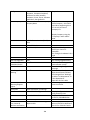
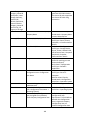
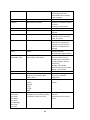
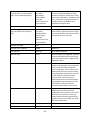
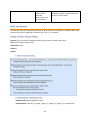
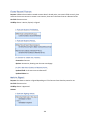
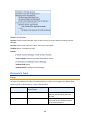
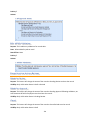
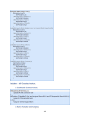
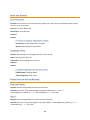
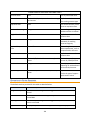
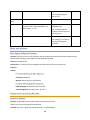
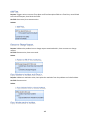
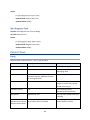
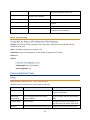
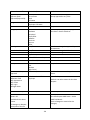
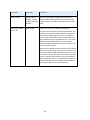
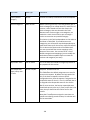
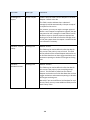
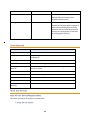
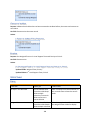
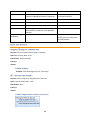
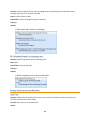
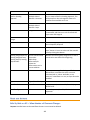
I: Actions When Start Date Arrives
TB: Daily Check for Expiration Date (disabled)
Purpose: This rule checks for contracts whose end date has arrived and takes the appropriate actions.
Runs: At selected time intervals; every 2 days at 2 AM
Search Filter: R: Contract Expired Today
Priority: 5
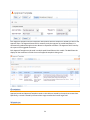
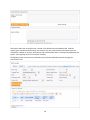
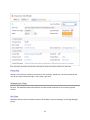
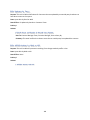
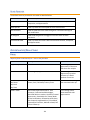
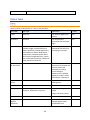
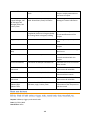
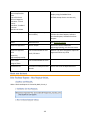
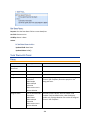
I: Handle Expired Contract
F ORMATTING
FOR
A CTION B UTTONS
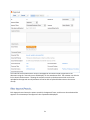
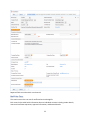
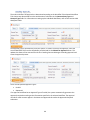
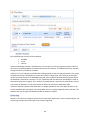
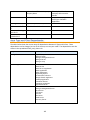
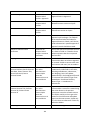
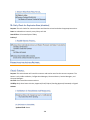
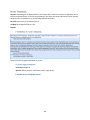
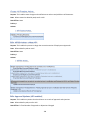
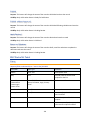
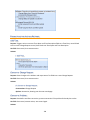
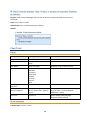
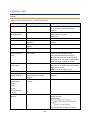
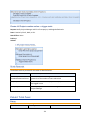
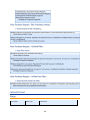
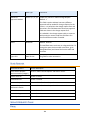
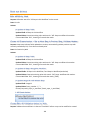
Cancel Contract
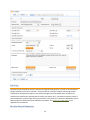
Purpose: This action button will cancel the contract and send an email to the contract requester. The
button is only visible to Admins, Configuration Managers, Contract Owners, Service Managers, and
Contract Managers.
On Click: Save record then execute actions.
Visibility: Only when Status is Active, Approved, Draft, Expired, Pending Approval, Renewed, or Signed.
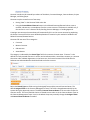
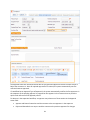
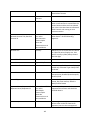
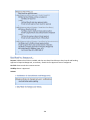
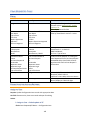
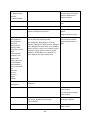
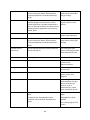
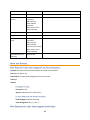
Actions:
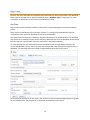
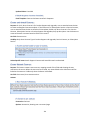
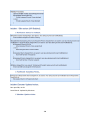
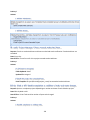
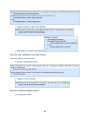
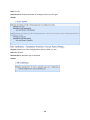
I: Validations for Cancellations and Reapprovals
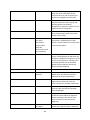
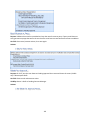
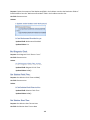
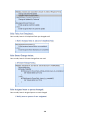
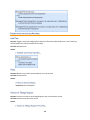
U: Set Status to Cancelled
Updated Field: Status
120