1
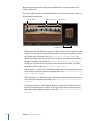
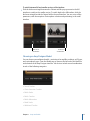
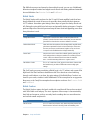
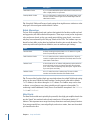
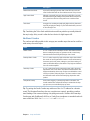
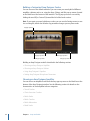
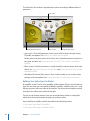
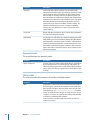
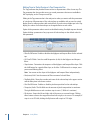
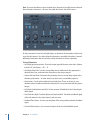
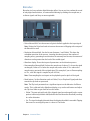
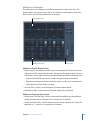
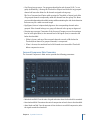
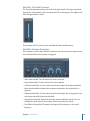
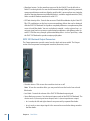
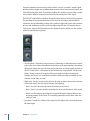
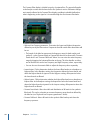
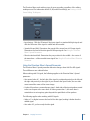
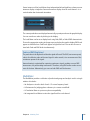
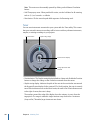
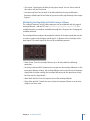
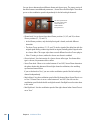
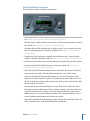
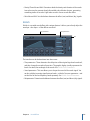
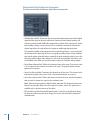
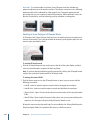
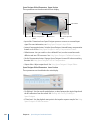
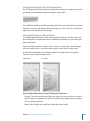
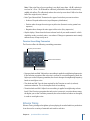
• Sync button: Synchronizes the delay to the project tempo. You can choose musical
note values with the Time knob.
• Level knob and field: Sets the level of the delay added to the ring-modulated or
frequency-shifted signal. A Level value of 0 passes the effect signal directly to the output
(bypass).
Modulating the Ringshifter with the Envelope Follower
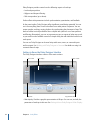
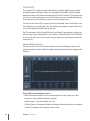
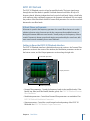
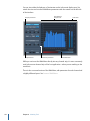
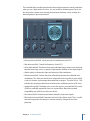
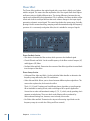
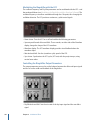
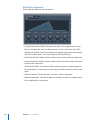
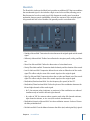
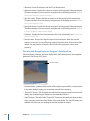
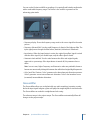
The oscillator Frequency and Dry/Wet parameters can be modulated with the internal
envelope follower—and the LFO (see Modulating the Ringshifter with the LFO). The
oscillator frequency even allows modulation through the 0 Hz point, thus changing the
oscillation direction.
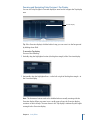
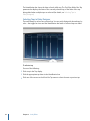
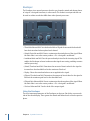
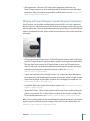
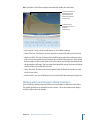
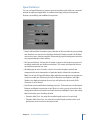
The envelope follower analyzes the amplitude (volume) of the input signal and uses this
to create a continuously changing control signal—a dynamic volume envelope of the
input signal. This control signal can be used for modulation purposes.
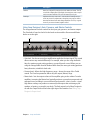
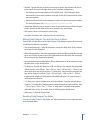
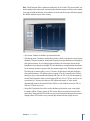
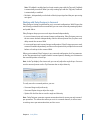
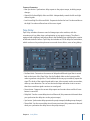
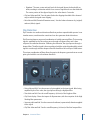
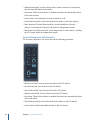
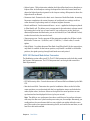
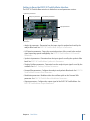
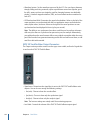
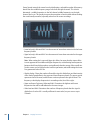
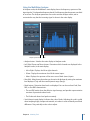
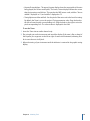
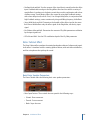
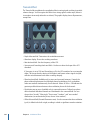
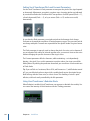
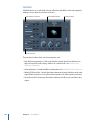
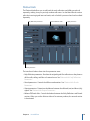
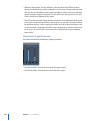
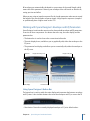
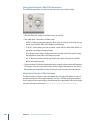
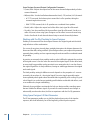
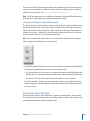
• Power button: Turns the envelope follower on or off and enables the following
parameters.
• Sens(itivity) slider and field: Determines how responsive the envelope follower is to the
input signal. At lower settings, the envelope follower reacts only to the most dominant
signal peaks. At higher settings, the envelope follower tracks the signal more closely,
but may react less dynamically.
• Attack slider and field: Sets the response time of the envelope follower.
• Decay slider and field: Controls the time it takes the envelope follower to return from
a higher to a lower value.
Chapter 9
Modulation Effects
195