1
TK-78K0R/KE3L User’s Manual
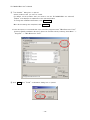
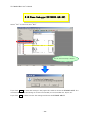
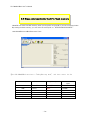
2.9 Start Debugger (ID78K0R-QB-EZ)
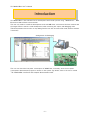
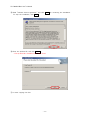
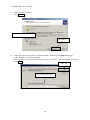
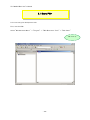
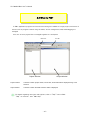
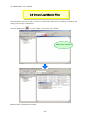
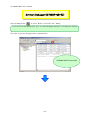
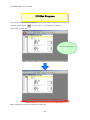
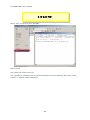
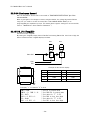
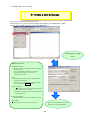
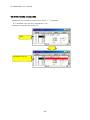
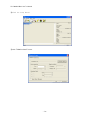
Click the debug button
, or select "Build" on menu bar, then "Debug".
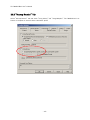
If you do not see the debug button, go to "2.7 Check Debugger Settings" for changing the settings.
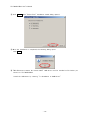
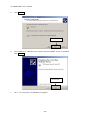
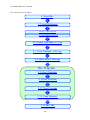
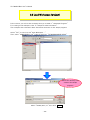
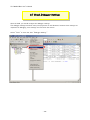
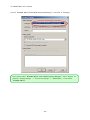
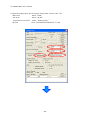
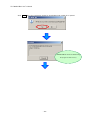
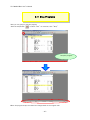
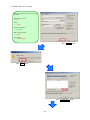
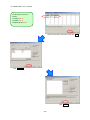
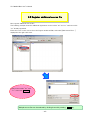
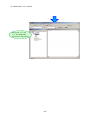
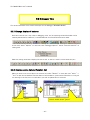
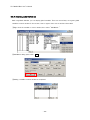
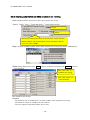
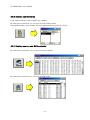
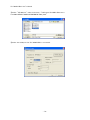
The steps to start the debugger will be explained below.
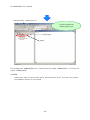
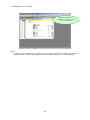
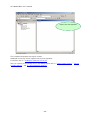
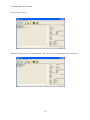
ID78K0R-QB-EZ is launched
- 41 -