1
TK-78K0R/KE3L User’s Manual
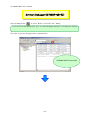
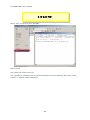
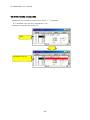
4.2.1 "Can not communicate with Emulator..." (F0100 or A0109)
Check Point 1
If you use USB hub, do not use it. (USB hub is not supported)
Check Point 2
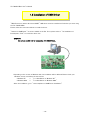
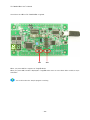
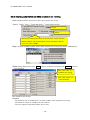
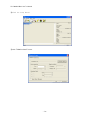
Check if the settings of SW5 on the kit are correct with referring "1.3 Installation of USB Driver".
Check Point 3
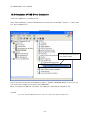
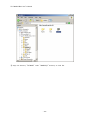
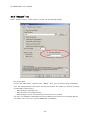
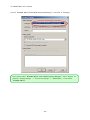
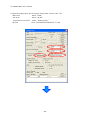
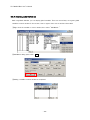
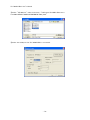
Confirm the USB driver installation with referring to "1.3.3 Completion of USB Driver
Installation".
Check Point 4
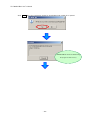
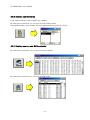
If above 3 check points are confirmed, close the debugger and disconnect the USB cable from PC.
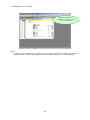
Re-connect USB cable properly to both the PC and the kit, and then re-start the debugger.
- 57 -