1
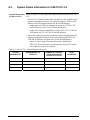
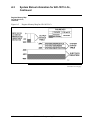
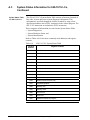
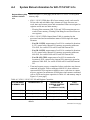
2.3
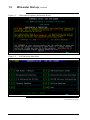
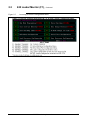
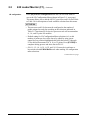
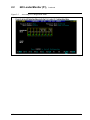
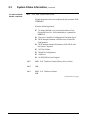
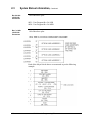
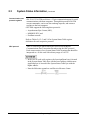
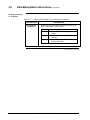
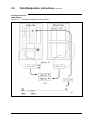
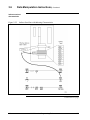
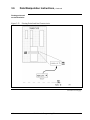
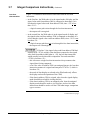
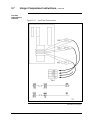
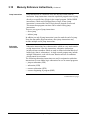
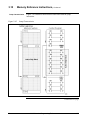
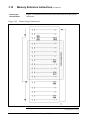
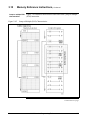
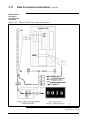
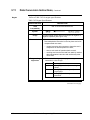
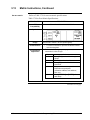
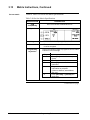
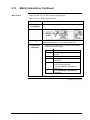
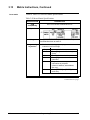
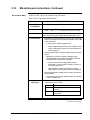
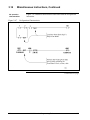
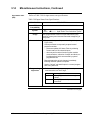
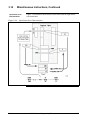
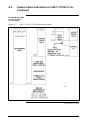
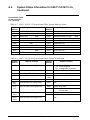
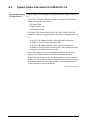
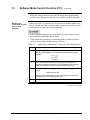
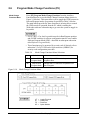
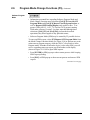
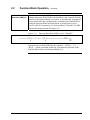
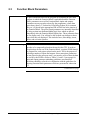
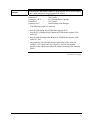
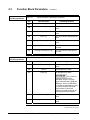
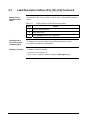
Label/Description Editors [F2], [F5], [F6], Continued
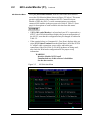
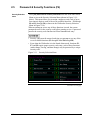
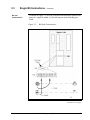
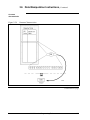
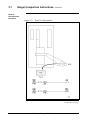
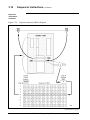
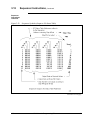
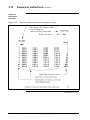
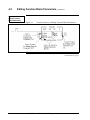
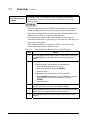
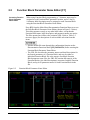
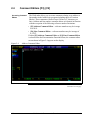
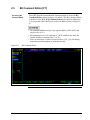
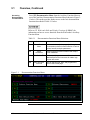
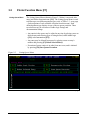
Accessing
Label/Description
Editor, continued
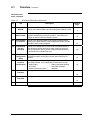
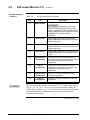
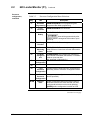
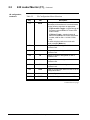
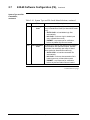
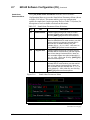
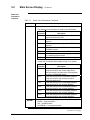
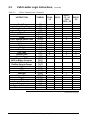
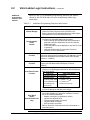
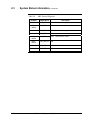
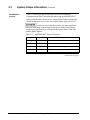
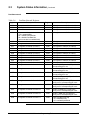
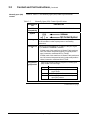
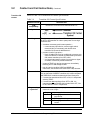
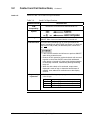
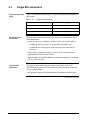
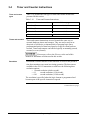
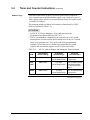
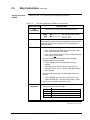
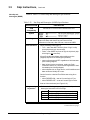
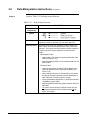
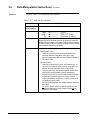
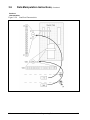
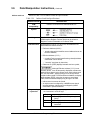
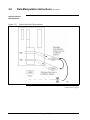
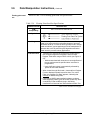
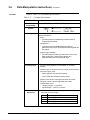
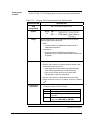
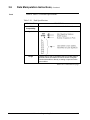
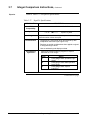
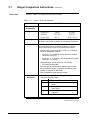
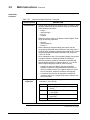
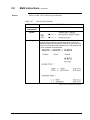
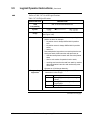
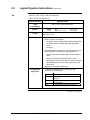
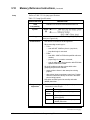
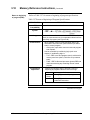
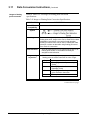
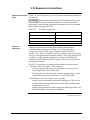
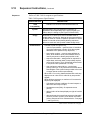
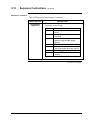
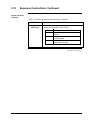
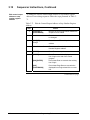
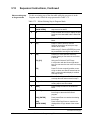
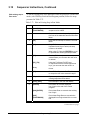
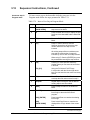
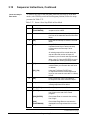
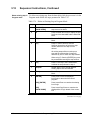
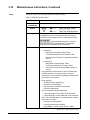
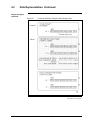
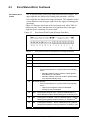
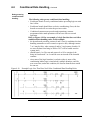
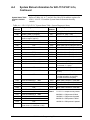
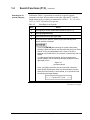
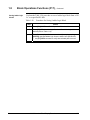
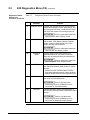
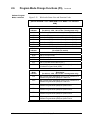
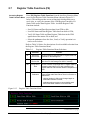
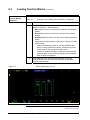
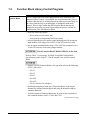
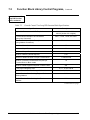
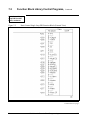
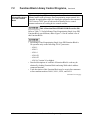
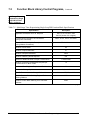
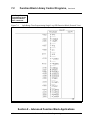
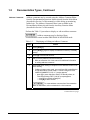
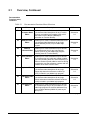
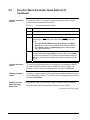
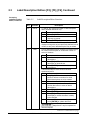
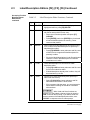
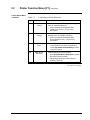
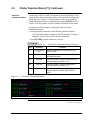
Table 2-5
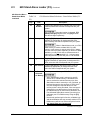
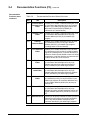
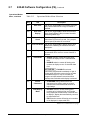
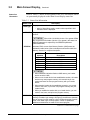
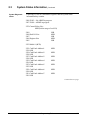
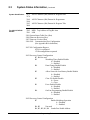
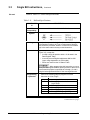
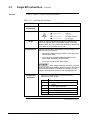
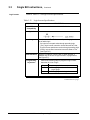
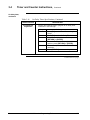
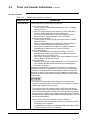
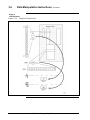
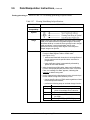
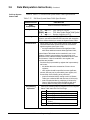
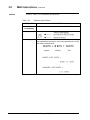
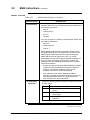
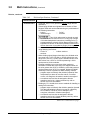
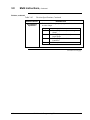
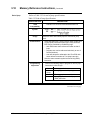
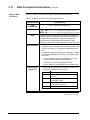
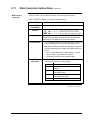
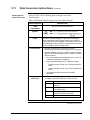
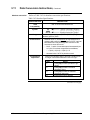
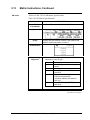
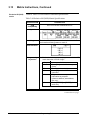
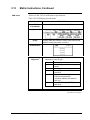
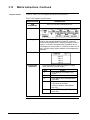
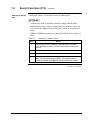
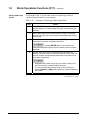
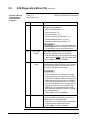
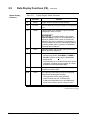
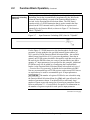
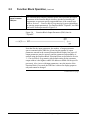
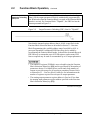
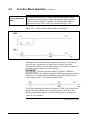
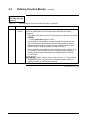
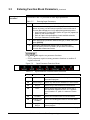
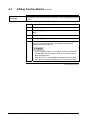
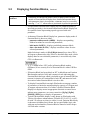
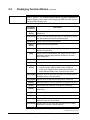
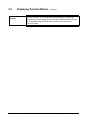
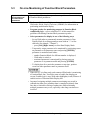
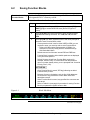
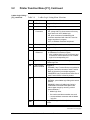
Label/Description Editor Functions
Key
Function
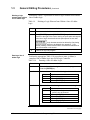
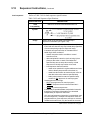
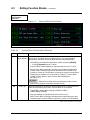
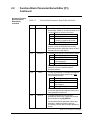
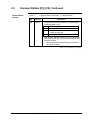
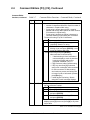
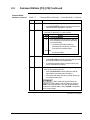
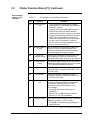
F1
GOTO
Description
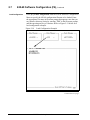
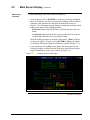
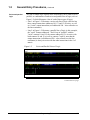
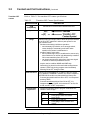
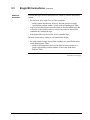
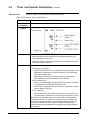
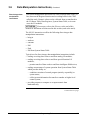
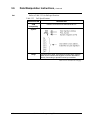
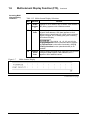
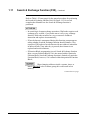
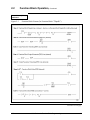
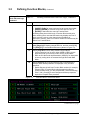
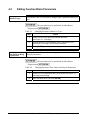
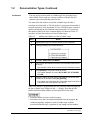
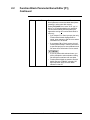
• To 'GOTO' any reference number in label description
editor (whether defined or not):
Step
1
2
3
Action
Press [F1] GOTO.
Enter desired reference number in
response to prompt.
Press [ENTER] key.
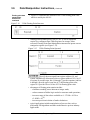
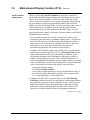
• WinLoader software searches for specified number and
displays it along with any text previously-defined for that
number; at this point, label/description may be edited.
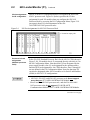
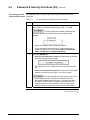
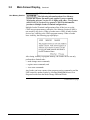
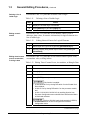
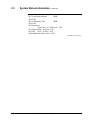
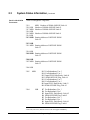
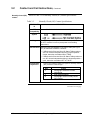
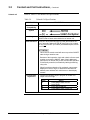
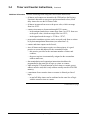
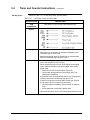
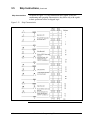
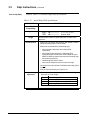
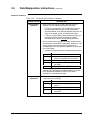
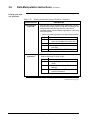
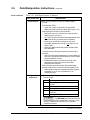
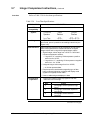
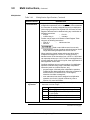
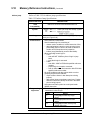
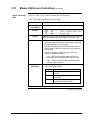
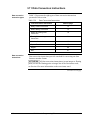
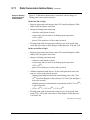
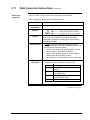
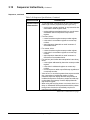
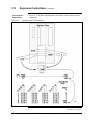
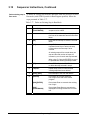
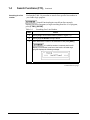
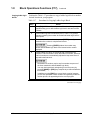
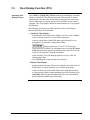
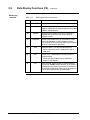
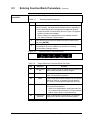
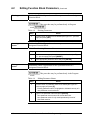
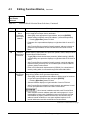
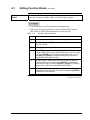
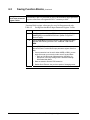
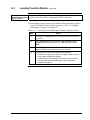
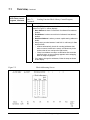
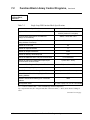
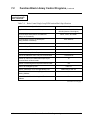
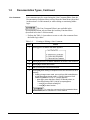
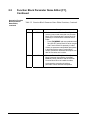
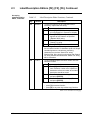
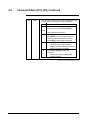
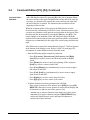
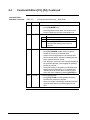
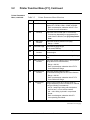
F2
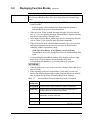
LAST
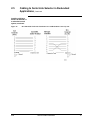
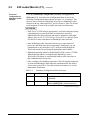
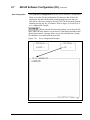
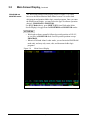
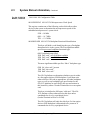
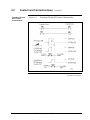
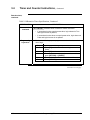
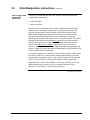
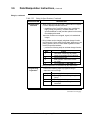
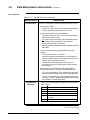
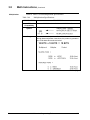
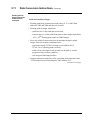
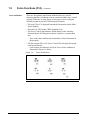
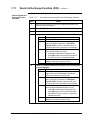
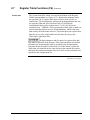
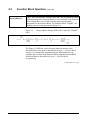
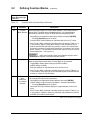
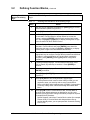
• Permits labels/descriptions composed of identical text to
be created, with exception of an identifier number or
series of numbers:
Step
1
2
3
Action
Enter first in sequence of similar labels/
descriptions.
Press [F2] LAST to create label/
description of identical text.
Press [ENTER] to load label/description
into memory.
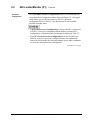
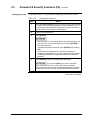
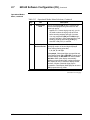
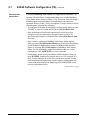
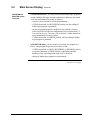
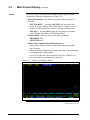
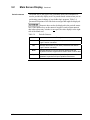
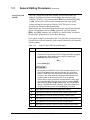
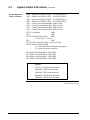
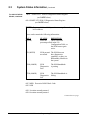
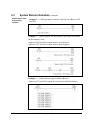
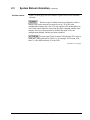
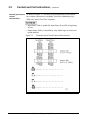
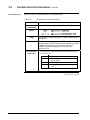
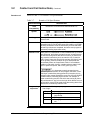
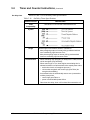
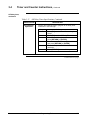
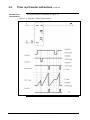
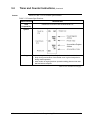
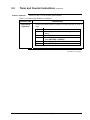
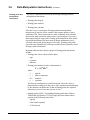
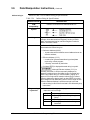
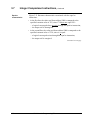
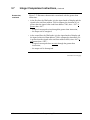
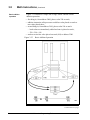
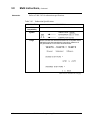
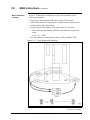
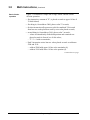
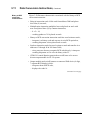
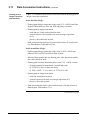
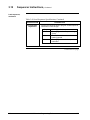
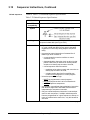
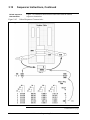
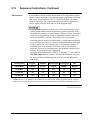
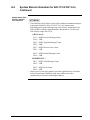
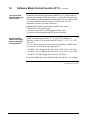
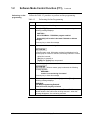
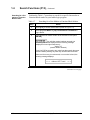
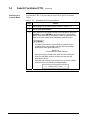
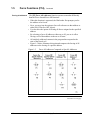
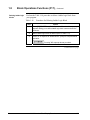
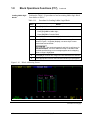
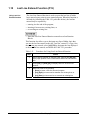
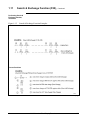
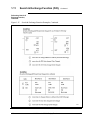
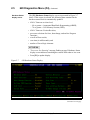
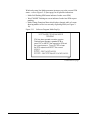
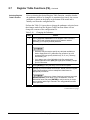
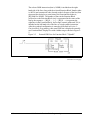
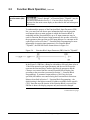
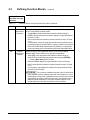
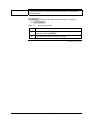
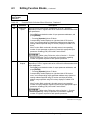
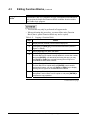
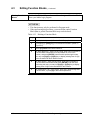
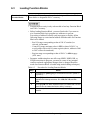
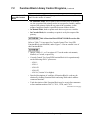
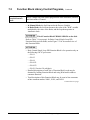
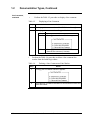
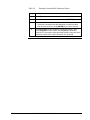
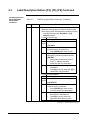
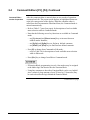
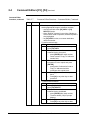
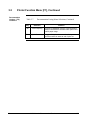
• Follow these steps to enter series of identical
labels/descriptions:
Step
1
2
3
4
5
6
7
Action
Use [F1] GOTO function to select first in
series of reference numbers for which
labels/ descriptions are to be created.
Enter desired text for label/description.
Move cursor to position of letter or
number that varies in series of labels/
descriptions.
Press [F7] CURSOR.
Press [ENTER].
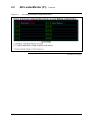
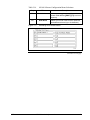
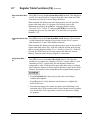
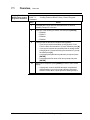
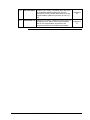
Press [F2] LAST; previously-entered
text displays; variable character is ready
to be changed.
After variable character is changed,
press [ENTER] to update data base.
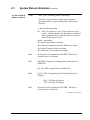
Steps 6 and 7 may be repeated as
often as required.
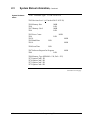
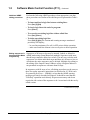
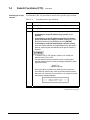
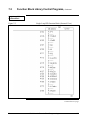
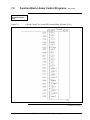
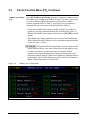
Table 2-5 is continued on next page
24
623 WinLoader Documentation Functions
4/05