1
A.5
System Status Information for 620-25/35 LCs, Continued
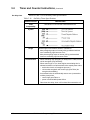
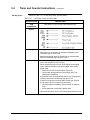
Expanded diagnostics
for 620-35 LC
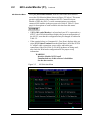
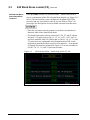
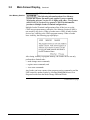
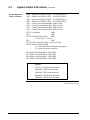
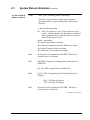
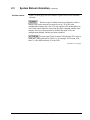
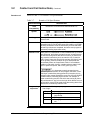
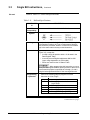
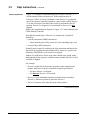
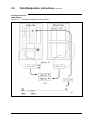
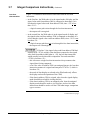
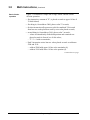
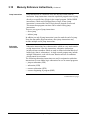
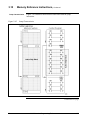
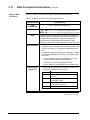
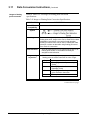
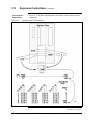
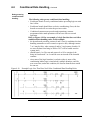
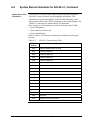
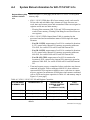
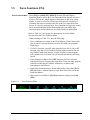
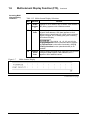
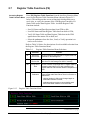
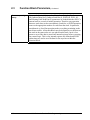
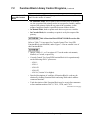
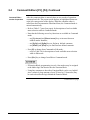
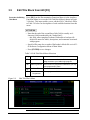
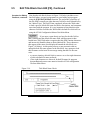
For 620-35 LCs, to take advantage of the Expanded Serial I/O
Diagnostics, the status of each Serial Link Module (SLM) is
automatically posted in the controller's System Status Table. This
information is available by PULLing System Status Table address 3125
(8-bit addresses 3124 and 3125 — SLM1) and address 3127 (8-bit
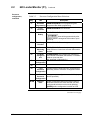
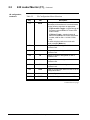
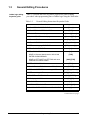
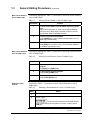
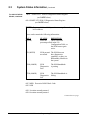
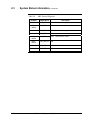
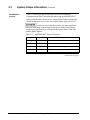
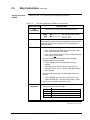
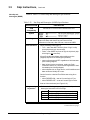
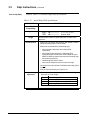
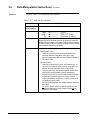
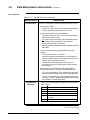
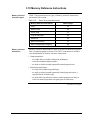
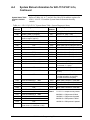
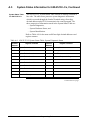
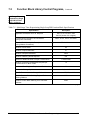
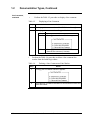
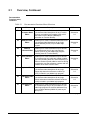
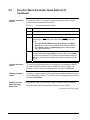
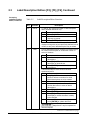
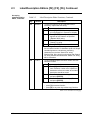
addresses 3126 and 3127 — SLM 2). Refer to Table A-10 for a list of the
information that can be found in these System Status Table addresses.
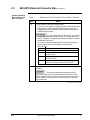
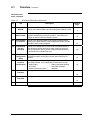
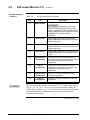
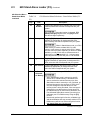
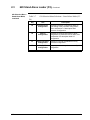
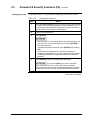
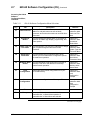
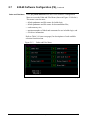
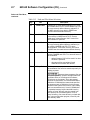
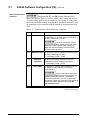
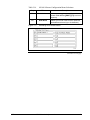
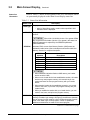
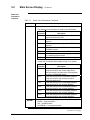
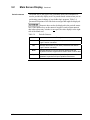
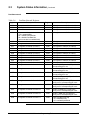
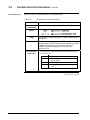
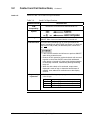
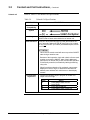
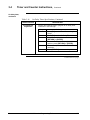
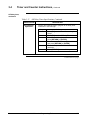
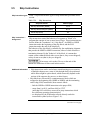
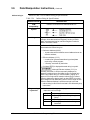
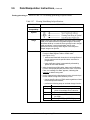
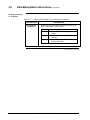
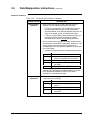
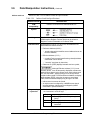
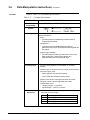
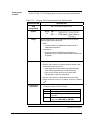
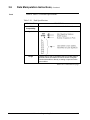
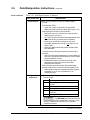
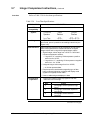
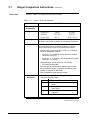
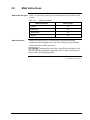
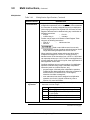
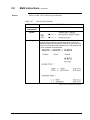
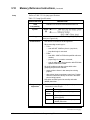
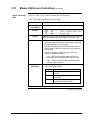
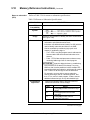
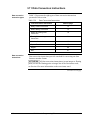
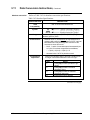
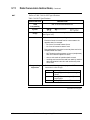
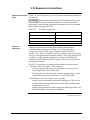
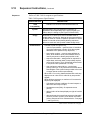
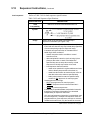
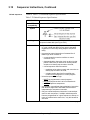
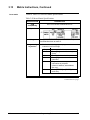
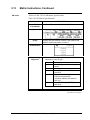
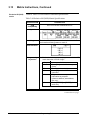
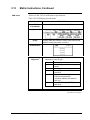
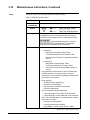
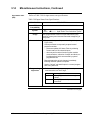
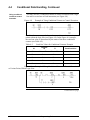
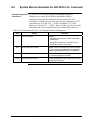
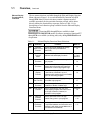
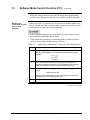
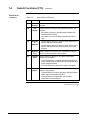
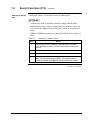
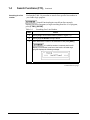
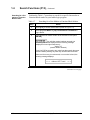
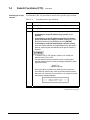
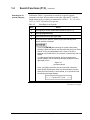
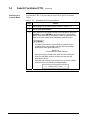
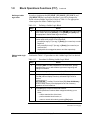
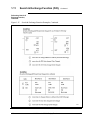
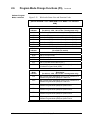
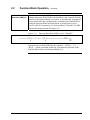
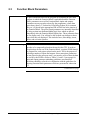
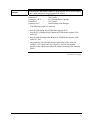
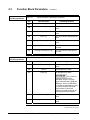
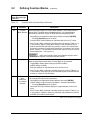
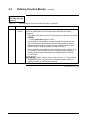
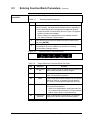
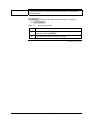
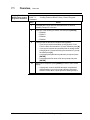
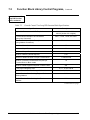
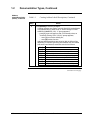
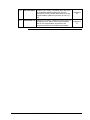
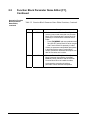
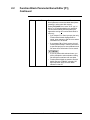
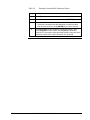
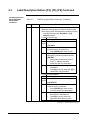
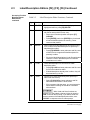
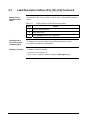
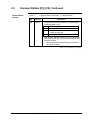
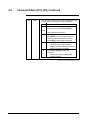
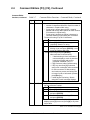
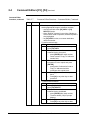
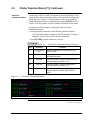
Table A-10 SLM Statuses for 620-35 LC Expanded Serial I/O Diagnostics
Data
0
Status
SLM Not Present
Definition
Indicates:
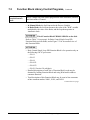
• processor rack does not include a 620-0085
2048 IOCM;
• this SLM is not present in processor rack; or
• this SLM, if present, is not active.
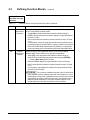
4/05
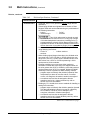
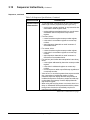
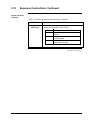
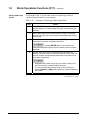
255
SLM Present, Not Tested
Indicates that this SLM does not include firmware
V.R 2.3 or higher and is therefore not capable of
performing the Expanded Serial I/O Diagnostics.
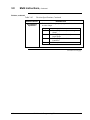
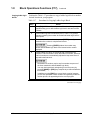
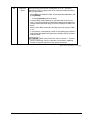
16384
SLM Diagnostics Passed
Indicates Expanded Serial I/O Diagnostic routines
are currently passing for this SLM.
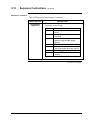
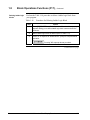
32768
SLM Diagnostics Failed
Indicates Expanded Serial I/O Diagnostic routines
have failed for this SLM.
620 WinLoader Programming Reference
161