1
4.3
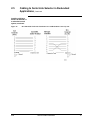
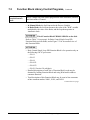
Editing Function Blocks, Continued
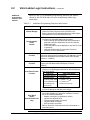
Editing Function
Block logic
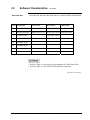
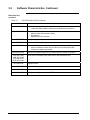
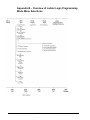
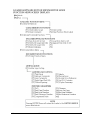
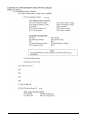
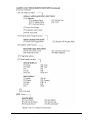
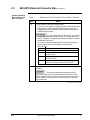
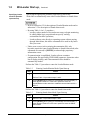
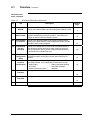
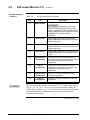
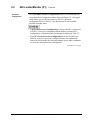
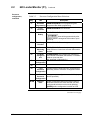
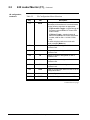
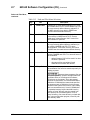
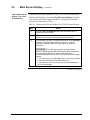
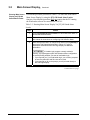
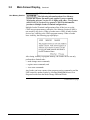
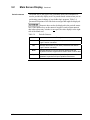
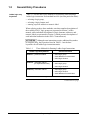
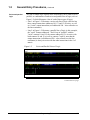
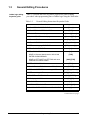
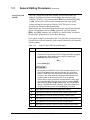
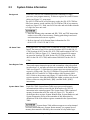
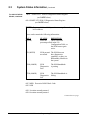
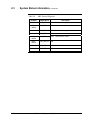
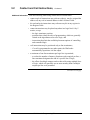
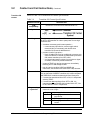
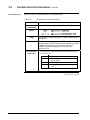
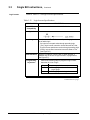
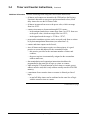
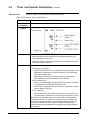
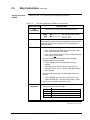
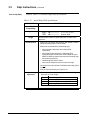
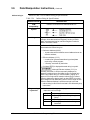
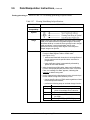
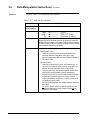
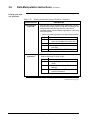
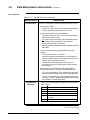
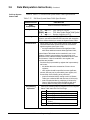
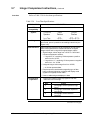
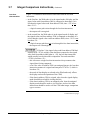
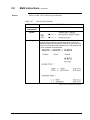
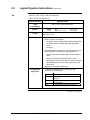
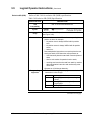
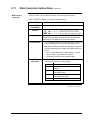
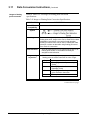
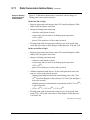
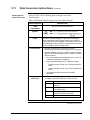
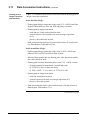
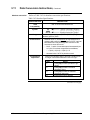
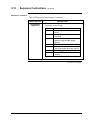
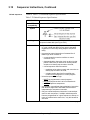
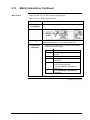
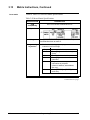
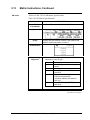
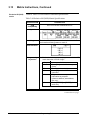
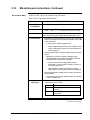
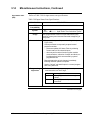
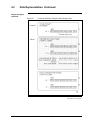
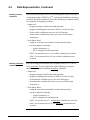
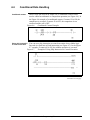
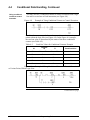
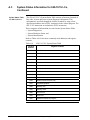
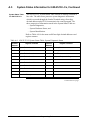
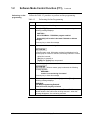
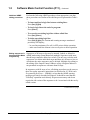
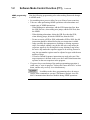
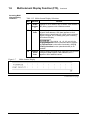
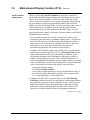
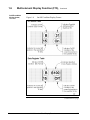
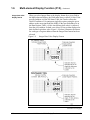
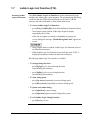
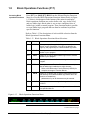
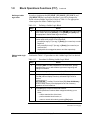
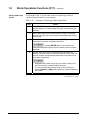
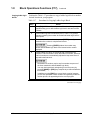
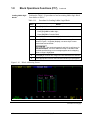
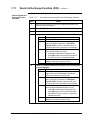
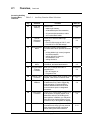
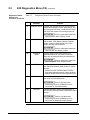
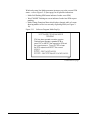
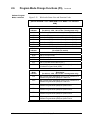
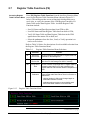
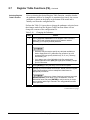
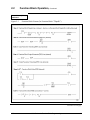
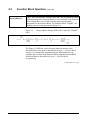
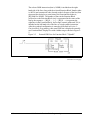
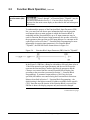
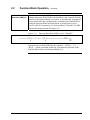
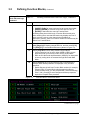
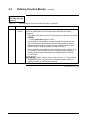
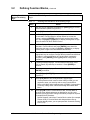
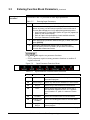
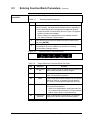
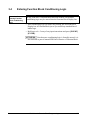
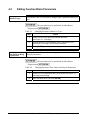
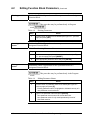
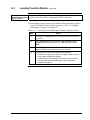
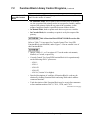
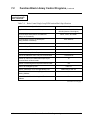
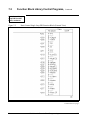
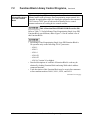
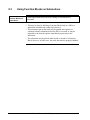
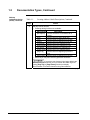
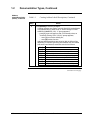
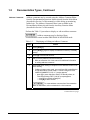
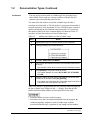
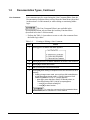
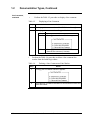
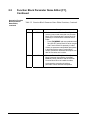
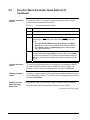
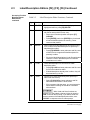
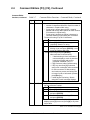
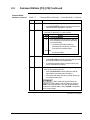
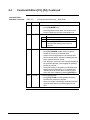
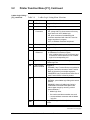
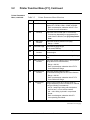
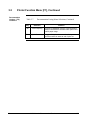
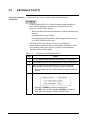
Perform the Table 4-9 procedure to edit logic in any designated Function
Block.
Table 4-9
Editing Function Block Logic
Step
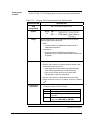
Action
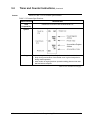
1
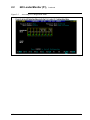
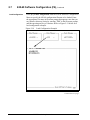
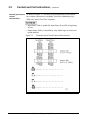
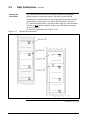
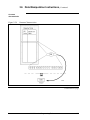
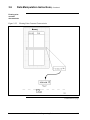
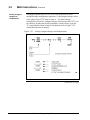
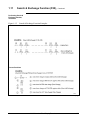
Display desired (external) Function Block Display line.
2
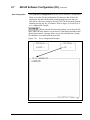
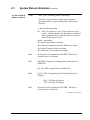
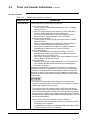
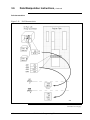
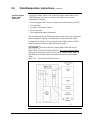
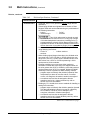
Press [Ctrl] [PgDn] to enter Zoom-in mode to access Function Block
Body.
3
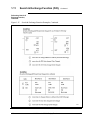
Edit logic as desired.
4
Press [Ctrl] [PgUp] to exit Zoom-in mode.
5
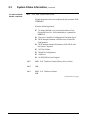
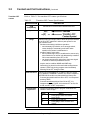
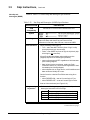
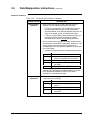
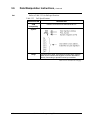
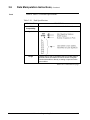
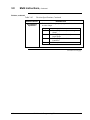
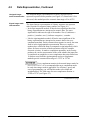
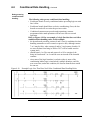
Transfer edited Function Block back to Function Block library for
future use, using either the same or a different Function Block
number and security features.
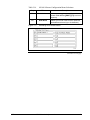
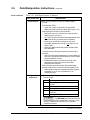
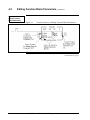
• An "E" is added between Function Block number and size field if
Function Block has been edited; "E" is removed when Function
Block is saved to disk.
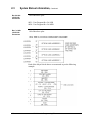
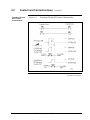
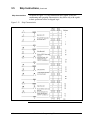
• Refer to Section 6 – Uploading/Downloading Function Blocks for
information on saving Function Blocks to Function Block Library.
Continued on next page
44
623 WinLoader Function Block Programming
4/05